
Book Appointment Now
Multi-Panel IPTV Reseller Management: A 2026 Operational Guide
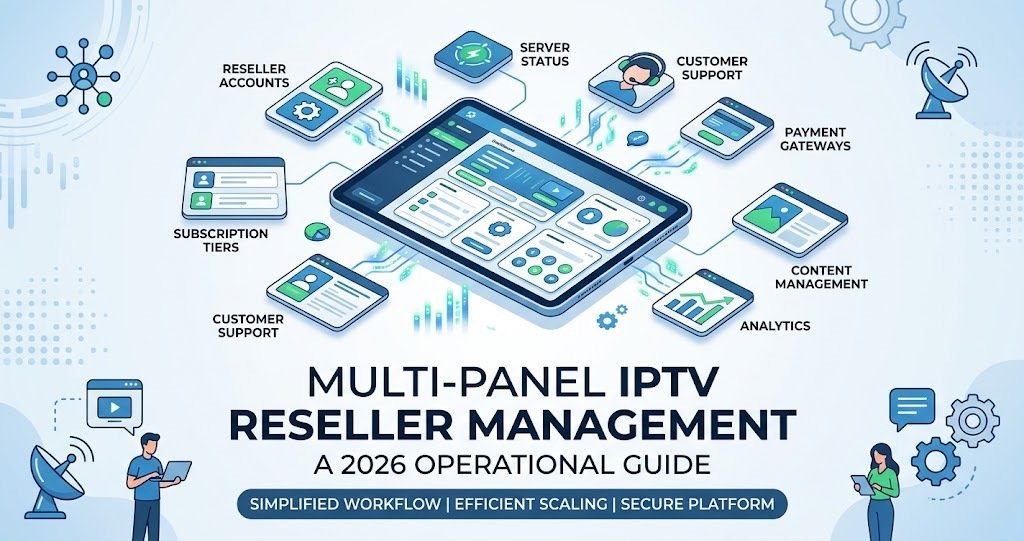
Multi-Panel IPTV Reseller Management means running two or more IPTV reseller panels, often from different upstream providers, as one coordinated operation rather than a set of disconnected accounts. It matters because the moment a reseller opens a second panel, credit tracking, renewal dates and customer records stop living in one place, and small gaps between systems turn into missed renewals and confused support conversations. Done properly, it keeps every customer’s status visible no matter which panel they sit on.
Why Resellers End Up Running More Than One Panel
Nobody plans to juggle several panels from day one. It usually starts with a practical decision. A reseller finds one provider is strong on European channels and another has better UK sports packages, so they open a second account to cover both. Sometimes it happens because a single upstream supplier had an outage that cost real customers, and the reseller decides never to depend on one source again. Others end up with multiple panels simply because they bought credits from different sellers over time and never consolidated.
None of these reasons are wrong. Having more than one upstream source is often sound risk management, and IPTV Reseller Panel Plans built around credit tiers make it easy to add a second panel without a large upfront commitment. The problem is not the second panel itself. It is what happens afterwards, when nobody updates how the business actually runs to account for it.
Why Multi-Panel IPTV Reseller Management Goes Wrong
Most resellers who struggle with multiple panels are not struggling with the technology. They are struggling with the gap between two or more separate admin interfaces that were never designed to talk to each other. A customer renews on Panel A, but the reminder spreadsheet only tracks Panel B. A staff member issues a trial on the wrong panel because both dashboards look nearly identical. Credit balances get checked in one system while purchases happen against another, so a reseller discovers they are out of stock at the worst possible moment, usually mid-sale.
There is also a subtler cost. Customers do not know or care that they are on “Panel A” rather than “Panel B”. They just expect consistent service, consistent pricing, and a support reply that reflects their actual account. When the reseller’s internal systems are split, that consistency breaks first, even if the streams themselves are stable.
| Setup | Best suited to | Main risk |
|---|---|---|
| Single panel, single provider | New resellers under 50 customers | Total dependency on one upstream source |
| Multiple panels, same provider | Growing resellers separating packages or regions | Duplicate customer records if not merged |
| Multiple panels, different providers | Resellers wanting supply redundancy | Fragmented credit and renewal tracking |
| White label sub-panels under one master | Resellers building their own reseller network | Permission and margin control across sub-accounts |
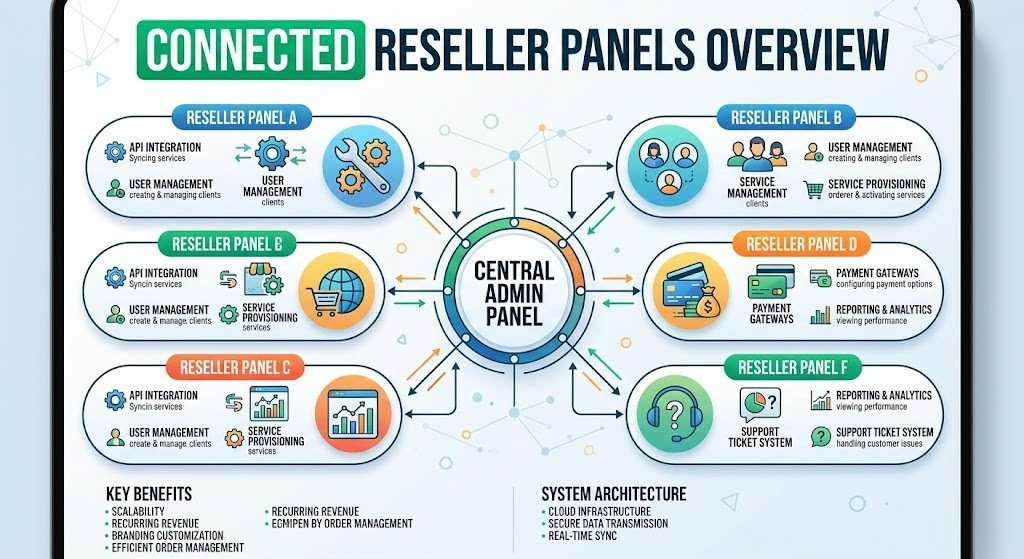
Building One Operational System Across Panels
The fix is not to abandon multiple panels. It is to build a single layer of control that sits above them. In practice, that means one master record, whether a spreadsheet or a dedicated tool, that lists every customer, which panel they are on, their renewal date, and their payment status. The individual admin panels remain the place where accounts are actually created and renewed, but they stop being the place where the reseller tracks the business.
Credit forecasting is where this matters most. If a reseller is topping up two or three panels separately, without comparing renewal volume across all of them, they will consistently either overbuy on one panel while running short on another, or miss the point where total demand across the business justifies a bulk purchase. A structured approach to IPTV Reseller Panel Credit Forecasting works the same way whether it covers one panel or five, provided the reseller feeds it combined numbers rather than treating each panel as its own separate business.
Pro tip: Give every panel a short internal code (P1, P2, P3) and use it as a prefix in your customer records, so a support ticket instantly tells you which dashboard to open.
Pro tip: Set renewal reminders on a single calendar covering all panels, not one calendar per panel. A reseller checking three separate reminder systems will eventually stop checking one of them.
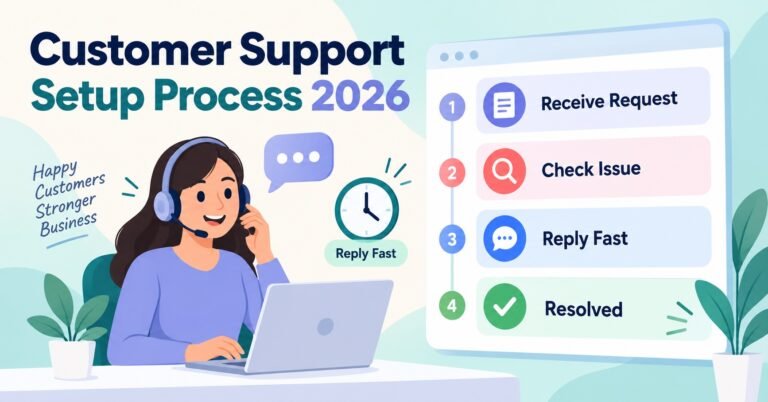
Support workflow needs the same treatment. If tickets come in through WhatsApp, Telegram, and email, and each channel is loosely tied to a different panel in someone’s head rather than in writing, the business is relying entirely on memory. A shared support log that records which panel a customer’s account lives on removes that dependency, and it means any staff member can pick up a query without guessing.
Sub-Reseller and Staff Access Considerations
Multi-panel setups get more complicated the moment other people have login access. Giving a staff member or sub-reseller full admin rights across every panel because it is quicker than setting individual permissions is a common shortcut, and it is usually a mistake. If one login is shared or compromised, the exposure covers the entire business rather than one segment of it.
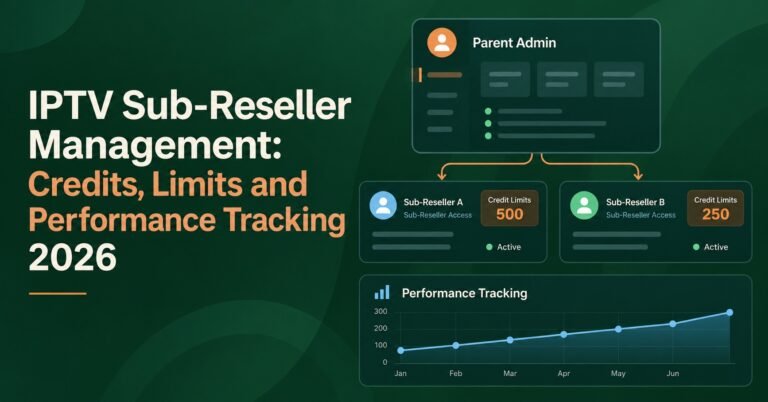
A cleaner approach is to match access to responsibility. A sub-reseller managing a specific customer segment gets access to the panel that segment sits on, not every panel the master account touches. Where a white label reseller panel sits underneath the main setup, this separation becomes even more important, because sub-resellers are effectively running their own slice of the business and do not need visibility into panels that have nothing to do with their customers.
Pro tip: Review who has access to which panel every few months. Staff turnover and old trial accounts are the most common source of forgotten logins.
Signs Your Multi-Panel Setup Is Working
A reseller managing multiple panels well can usually answer three questions immediately, without opening every dashboard to check: how many active customers do I have in total, how many credits do I have left across all panels combined, and which customers renew in the next seven days. If any of those questions require logging into two or three separate systems and doing mental arithmetic, the setup is still fragmented, even if each individual panel is running fine on its own.
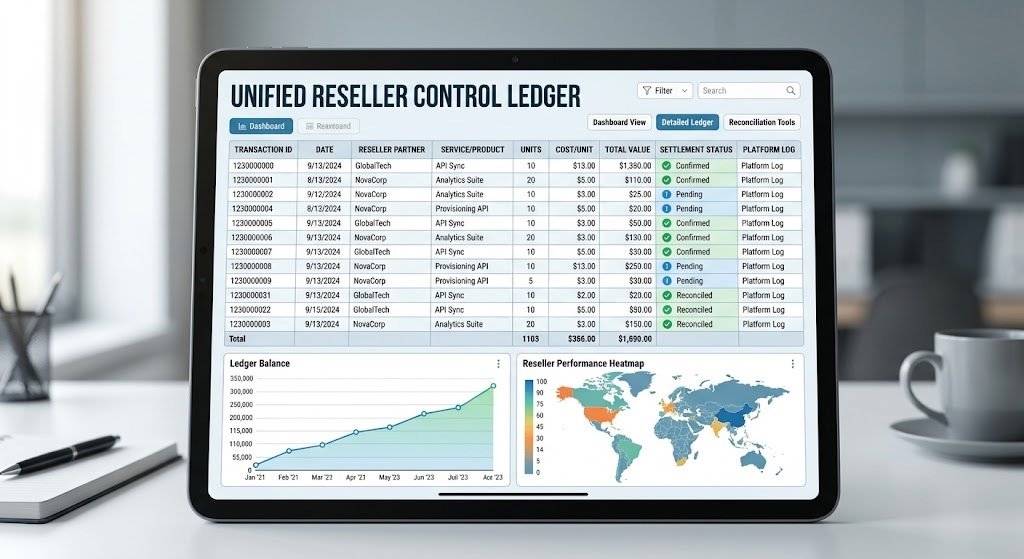
The warning signs tend to show up in support first. Repeated questions like “which panel is this customer on again” or discovering a customer was billed but never actually renewed because the renewal happened on the wrong panel are both symptoms of the same underlying gap. IPTV Reseller KPIs tracked at the level of the whole business, rather than per panel, are usually the fastest way to catch this drift before it costs real customers.
Frequently Asked Questions
Do I need more than one IPTV reseller panel to run a serious business?
No. Plenty of resellers run a single, well-managed panel for years. Multiple panels usually make sense once you want supply redundancy, need a wider mix of packages than one provider offers, or are building out sub-reseller access under your own brand.
How many customers should push me toward a second panel?
There is no fixed number. It is more about risk than volume. A reseller with 40 customers entirely dependent on one upstream provider carries more concentrated risk than one with 40 customers split across two reliable sources.
Can one dashboard control multiple upstream providers?
Some tools consolidate reporting or automate renewal messages across panels, and IPTV Reseller Automation Software is generally built for exactly this kind of overview. The panels themselves still operate as separate backends, but the manual tracking layer disappears.
What happens if one of my panels goes down?
Customers on that specific panel are affected while it is down; customers on other panels should not be, provided the panels genuinely run on independent infrastructure rather than sharing the same upstream source under different branding.
How do I keep credit balances straight across panels?
Record a combined total weekly rather than checking each panel individually and trying to remember the others. A simple running log across all panels catches shortfalls before they become a live-sale problem.
Should sub-resellers get access to more than one panel?
Only if their customers are genuinely split across those panels. Otherwise, limiting access to the panel relevant to their segment keeps both security and accountability clearer.
Multi-Panel IPTV Reseller Management in Summary
Multi-Panel IPTV Reseller Management works when the panels themselves stop being the place where the business keeps its records, and become simply the tool used to action what a single, combined view already tells you. Two or three reliable upstream sources genuinely reduce risk compared with depending on one, but only if credit tracking, renewal dates, customer records and staff access are unified above them. Start by building one master record covering every panel this week, even a basic spreadsheet, and the confusion that usually comes with running more than one panel largely disappears.
Multi-Panel Reseller Checklist
- Every customer record shows which specific panel their account lives on
- Renewal dates are tracked on one combined calendar, not per panel
- Credit balances are checked as a combined total at least weekly
- Staff and sub-reseller access matches their actual customer segment, not blanket admin rights
- Each panel has a short internal code used consistently across notes and tickets
- Support logs record the relevant panel for every ticket raised
- Access lists are reviewed periodically to remove old or unused logins

[…] of failure with a different login screen. Comparing entry costs and credit structures against your IPTV reseller panel plans gives you a sense of what a reasonable small backup pack should actually […]