
Book Appointment Now
IPTV Reseller CRM: Track Customers in 2026
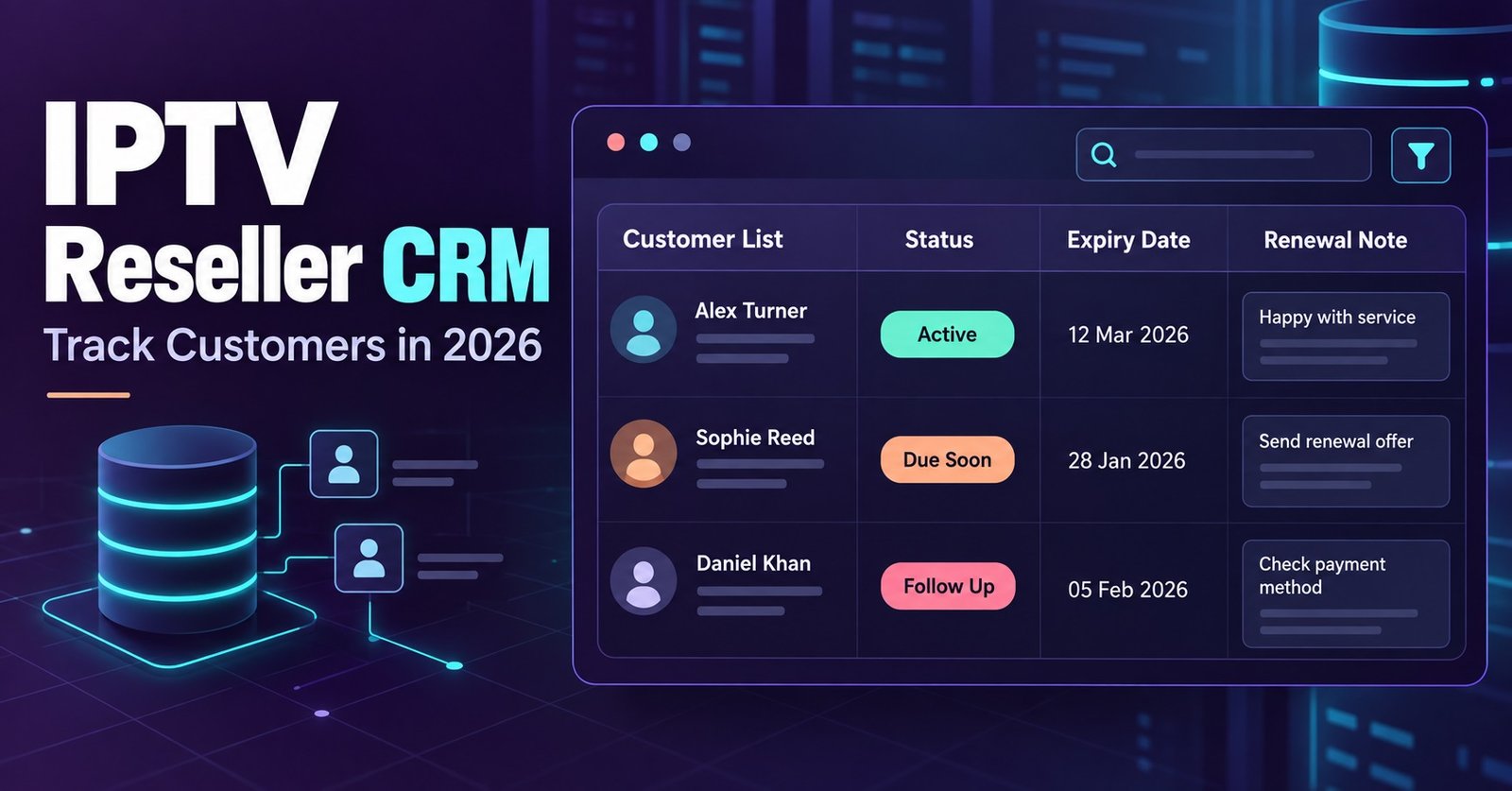
An IPTV reseller CRM is simply the system you use to track every customer’s login, expiry date, package and support history in one place, instead of scattering it across WhatsApp threads, a notebook and whatever your memory can hold. For most resellers this doesn’t mean buying separate software. It means being deliberate about how customer records live inside or alongside the reseller panel you already use.
The gap shows up the moment your customer count passes twenty or thirty. Renewals get missed, someone asks “did I pay for July?” and you genuinely don’t know, and a customer who cancelled three months ago somehow still has an active line. None of that is a technology failure. It’s a record-keeping failure, and it’s fixable without much effort once you know what actually needs tracking.
Why Spreadsheets and Memory Stop Working
Most resellers start with nothing more than a notes app or a spreadsheet, and for the first ten or fifteen customers that’s genuinely fine. You remember who paid, who’s due, and who asked for the sports package without the kids’ channels.
The trouble starts with volume, not complexity. A spreadsheet doesn’t warn you that a line expires tomorrow. It doesn’t flag that a customer’s third support message this month is about buffering, which might mean their connection is the problem rather than yours. It just sits there, accurate only for as long as you remember to update it after every single interaction, which nobody does consistently once they’re also handling activations, WhatsApp messages and their own day job.
The panel dashboard most IPTV reseller panels provide already stores line status, expiry and package type. The customer relationship management layer on top of that, the part that actually makes it a CRM rather than a database, is what most resellers skip.
IPTV Reseller CRM Core Fields Worth Tracking
An IPTV reseller CRM doesn’t need to be complicated. It needs to reliably answer five questions for any customer, at any time, without you having to scroll back through old messages.
Contact details come first, and this means more than a phone number. Note which app they use to message you, because a customer who only responds on WhatsApp is lost if you only have their email. Package and pricing history matters just as much: what they’re paying now, what they paid before, and whether you’ve ever given them a discount, because customers remember discounts far better than resellers do.
Device information is worth recording too. A customer on a five-year-old Firestick behaves differently to one on a current Smart TV, and knowing that in advance saves a support call turning into a diagnostic session. Payment method and renewal date round out the essentials, ideally as a date rather than a vague “monthly around the start.”
Pro tip: Record the device and app a customer uses the first time they contact you. It turns every future buffering complaint into a five-minute fix instead of a twenty-question interrogation.
Expiry Tracking: Where Most Renewals Get Lost
Expiry is the single field that causes the most damage when it’s handled badly. A customer whose line lapses without warning doesn’t think “I forgot to pay.” They think your service dropped out, and some of them won’t message you to find out why, they’ll just quietly move to a competitor.
The fix is a simple forward-looking view rather than a historical log. Rather than checking who’s expired today, check who expires in the next seven days and message them first. A short “your subscription renews on Thursday, want me to sort it now?” converts far more reliably than waiting for a lapsed customer to chase you, and it reads as attentive service rather than a sales push.
Yearly lines need a different rhythm to monthly ones. A monthly customer expects a monthly nudge and won’t mind it. A yearly customer paid once and doesn’t want to hear from you until month eleven, so a single well-timed reminder beats a running countdown they’ll find irritating.
| Renewal Pattern | Reminder Timing | Common Mistake |
|---|---|---|
| Monthly | 3 days before expiry | No reminder until it’s already lapsed |
| Quarterly | 5 to 7 days before | Treating it like a monthly line |
| Yearly | 2 to 3 weeks before | Silence until renewal, then a surprise price rise |
Customer Notes: The Detail That Actually Saves Time
Notes are the part of a CRM that most UK IPTV panel resellers either skip entirely or fill with information nobody will ever reread. The useful version is short and specific, not a diary entry.
What matters is anything that changes how you’d handle the next conversation. A customer who’s already complained about buffering twice needs a different opening line than a first-time buyer. Someone who’s asked for a refund before, even if you resolved it fine, is worth flagging so the next reseller or team member who picks up that thread isn’t caught off guard.
This becomes essential the moment you’re not the only person answering messages. A note that says “prefers evening replies, previous buffering issue resolved by switching server” takes ten seconds to write and can save a colleague from repeating a conversation the customer’s already had once.
Handover Workflows: Adding Staff or Selling the Panel
Handovers expose bad record-keeping faster than anything else. If your entire customer history lives in your head and your personal WhatsApp, bringing on a support person or selling the business becomes genuinely difficult, not because the business lacks value but because the knowledge behind it can’t be transferred cleanly.
A workable handover needs three things ready before anyone new touches a customer: the panel login and permission level they’ll actually need, a written note of any non-standard arrangements (custom pricing, extended trials, promised refunds), and a clear line on who’s authorised to issue refunds or discounts going forward. Skipping that last point is how new staff end up either over-promising to keep a customer happy or under-delivering because they didn’t know what was already agreed.
If you’re planning to sell the panel itself rather than add staff, buyers will ask about exactly this. A clean, exportable customer record with accurate expiry dates and payment history is worth more to a buyer than almost any other part of the business, because it’s the difference between inheriting a working operation and inheriting a guessing game.
Pro tip: Before handing any access to a new team member, export or screenshot your current customer list as a dated snapshot. It gives you a reference point if anything gets changed or deleted by mistake later.
Choosing Between a Spreadsheet, Your Panel, and Dedicated Software
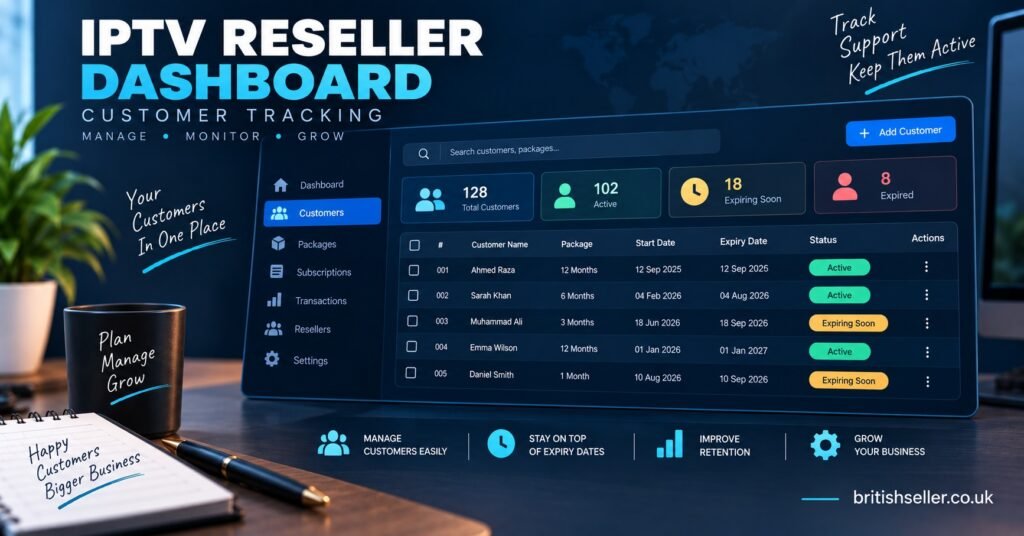
Most resellers don’t need to buy anything new. The panel already tracks status and expiry; the gap is usually notes, contact preferences and reminder timing, all of which a basic spreadsheet or even a well-organised notes app can cover for under a few hundred customers.
Dedicated CRM software becomes worth considering once you’re managing staff, running promotions across segments of customers, or handling volume that makes manual reminders impractical. That’s a genuine step up in complexity and cost, and it’s not something to reach for until the manual system has actually started failing you, not just before it feels tidy enough.
| Approach | Best Suited To | Limitation |
|---|---|---|
| Panel dashboard alone | Small customer counts, solo resellers | No notes field, no reminder automation |
| Spreadsheet alongside panel | Growing customer base, one or two people | Manual updates, easy to fall behind |
| Dedicated CRM software | Teams, high volume, active promotions | Cost and setup time, often unnecessary early on |
Pro tip: Before paying for any CRM tool, check whether your current panel already logs the fields you think you’re missing. Reseller dashboards vary, and some already do more than resellers realise.
Common Questions About Tracking IPTV Customers
Do I need separate CRM software as a small IPTV reseller?
Not usually. A spreadsheet or notes app covering contact details, package, expiry and a short notes column handles most UK IPTV resellers comfortably until customer numbers or staff numbers grow.
What’s the most common record-keeping mistake resellers make?
Not recording anything beyond what the panel automatically stores. Expiry and status are covered by the dashboard, but contact preferences, agreed discounts and support history usually aren’t, and those are exactly what cause confusion later.
How far in advance should I remind customers about renewal?
Roughly three days for monthly lines and two to three weeks for yearly ones. Reminding too early gets ignored, and reminding too late reads as an afterthought rather than good service.
What should I do with customer records if I stop reselling?
Keep them for your own records where you have a legitimate reason to, delete anything you no longer need, and never pass customer contact details to another reseller without the customer’s knowledge.
Can I track sub-reseller accounts the same way as customer accounts?
Not quite. Sub-resellers need their own credit balance and permission tracking on top of the standard fields, since you’re managing an account that itself manages other accounts.

Getting Your Customer Records in Order
None of this requires new software or a big process overhaul. An IPTV reseller panel CRM, in practice, is just a habit: recording the same handful of fields for every customer, checking who’s due to renew before they have to chase you, and writing notes short enough that you’ll actually keep doing it. The resellers who struggle most aren’t the ones without fancy tools, they’re the ones who never wrote anything down in the first place and are now trying to remember eighteen months of customer history from memory. Start with expiry dates and notes, since those two alone stop most of the renewal losses and support confusion resellers run into, and expand from there once you can see where the gaps actually are. If you’re still setting up your reseller operation, our reseller plans page and guide to reseller requirements cover the setup side this article assumes is already in place, and our breakdown of reseller profit margins is worth reading once your renewal tracking is solid enough to plan pricing around.
Reseller Checklist: Setting Up Basic Customer Tracking
- Record contact details including preferred messaging app for every customer
- Log package, price paid and any agreed discount at the point of sale
- Note device type and app used to speed up future support requests
- Set a reminder point before expiry, three days for monthly, two to three weeks for yearly
- Add a short note after any support interaction that changes how you’d handle the next one
- Keep an export or snapshot of your customer list before giving access to anyone new
- Review lapsed accounts monthly and remove or archive ones that won’t return


[…] when they’re about to run out, often at whatever tier pricing happens to apply that week. UK IPTV Resellers who plan around their actual renewal calendar buy ahead of predictable demand and avoid the panic […]