Book Appointment Now
IPTV Reseller Automation Software: 2026 Guide
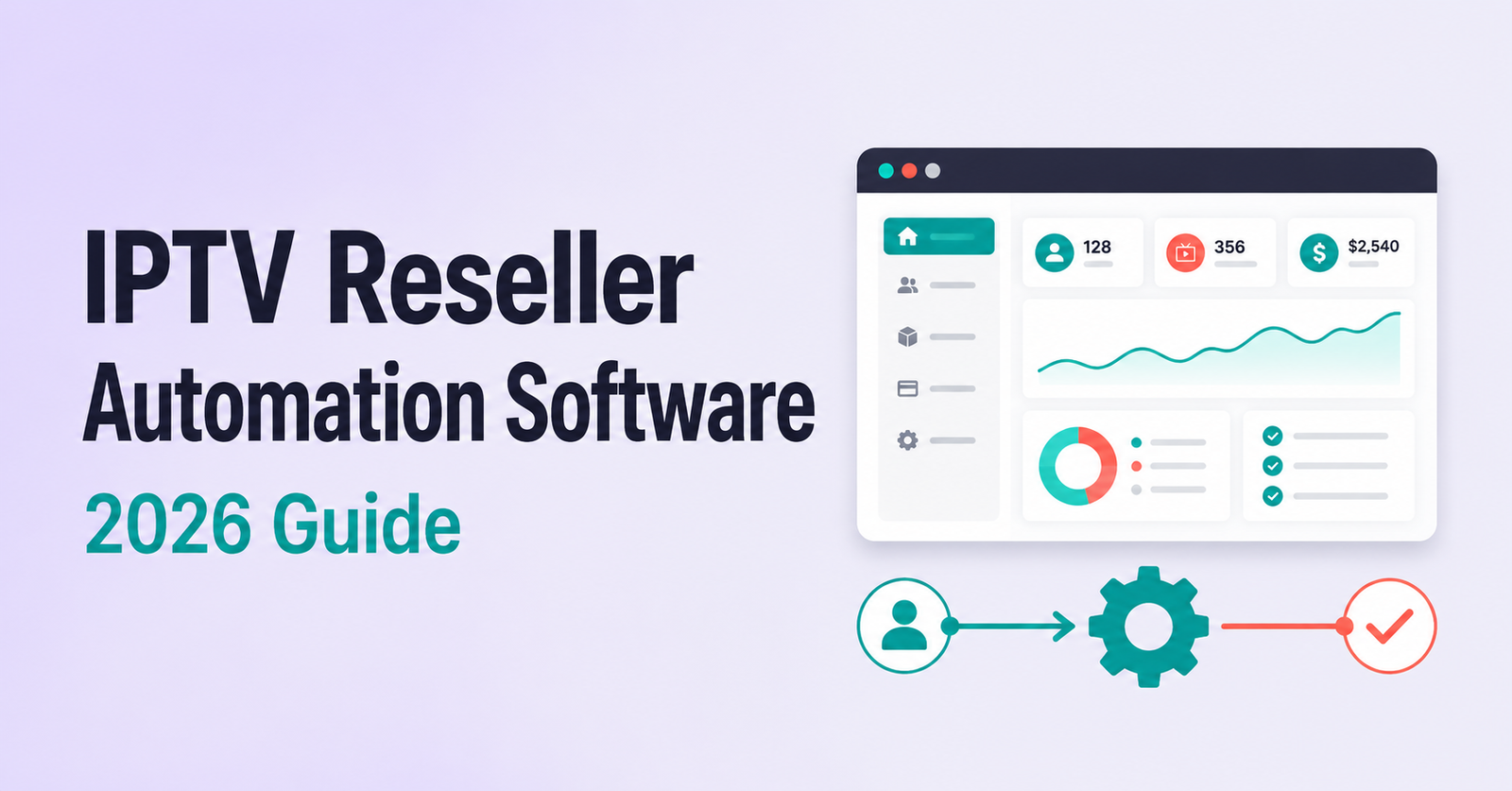
IPTV Reseller Automation Software is a tool or service that connects to your IPTV reseller panel and takes over repetitive tasks such as creating customer accounts, renewing active lines, and sending delivery emails, so you spend less time on admin and more time selling. For a reseller managing a handful of customers, most of this work is manageable by hand. Once a panel grows past a few dozen active lines, the same tasks start eating hours every week, and that is usually the point where automation stops being a convenience and starts being a business decision.
What IPTV Reseller Automation Software Actually Does
Strip away the marketing language and this category of software does three things. It talks to your reseller panel through an API connection, it applies rules you set in advance, and it carries out actions you would otherwise do manually, one click at a time. Create an account when a payment comes in. Extend a line when a renewal is due. Send a message with the new login details. None of this is intelligent in any meaningful sense. It is repetition removed from your workday.
The distinction worth understanding early is between automation that lives inside your panel and automation that sits alongside it. Some IPTV reseller credit plans already include basic tools for generating trial lines and managing customer packages from the dashboard itself. Separate automation software goes further, usually bridging your panel to a billing system, a payment processor, or an email service so the whole chain from payment to delivery runs without you touching a keyboard.
The Manual Workload It Actually Replaces
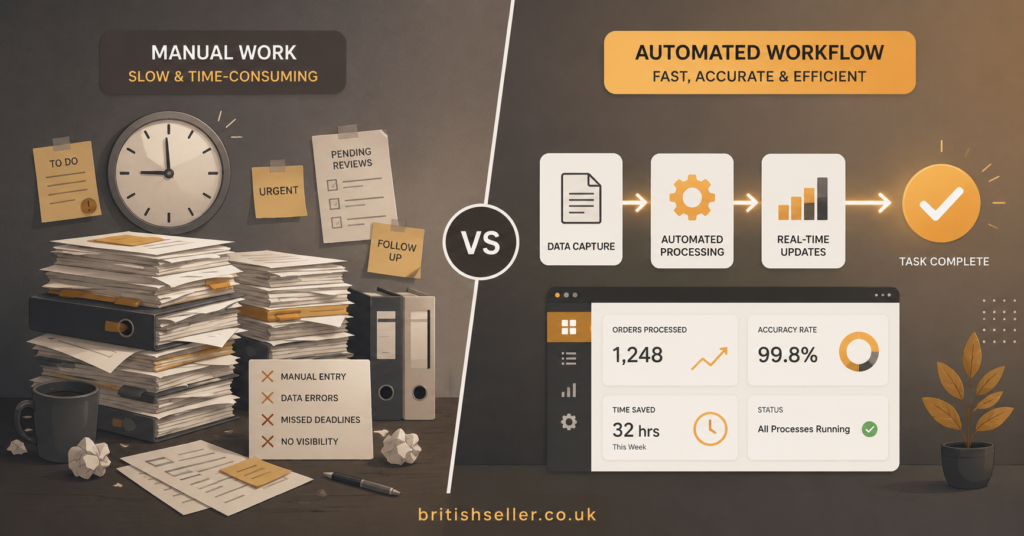
Picture a reseller with 60 active customers on a mix of monthly and yearly lines. Every renewal means logging into the panel, finding the right account, extending it by the correct duration, and then writing an email or message with the updated details. Multiply that by a dozen renewals in a busy week and the admin load becomes obvious. Add trial requests, package changes, and the occasional customer asking to switch devices, and a reseller can lose several hours a week to tasks that involve no actual selling.
This workload does not scale evenly. Ten customers is trivial. Two hundred customers with staggered renewal dates is a part time job in itself, and it is precisely at that scale that resellers start searching for something to take the repetition off their plate.
Core Automation Categories
Most tools in this space fall into a handful of functional groups rather than one single feature set. Understanding which category actually matters to you prevents paying for capabilities you will never use.
| Automation Category | What It Handles | Still Needs You |
|---|---|---|
| Account provisioning | Creating new customer lines automatically after payment confirmation | Choosing packages and pricing rules |
| Renewal and billing bridges | Extending existing lines and syncing payment status with a billing platform | Chasing failed or disputed payments |
| Client communication | Sending welcome emails, renewal reminders and login details | Answering support questions personally |
| Sub-reseller credit distribution | Tracking credits issued to resellers under your account | Setting margins and payment terms |
Billing bridge tools, the kind that connect a panel to a platform such as WHMCS, tend to be the most established part of this market because invoicing and account provisioning are naturally suited to rule-based automation. Communication automation is newer and more variable in quality, since a badly worded automated email can do more damage to customer trust than a slightly delayed manual one.
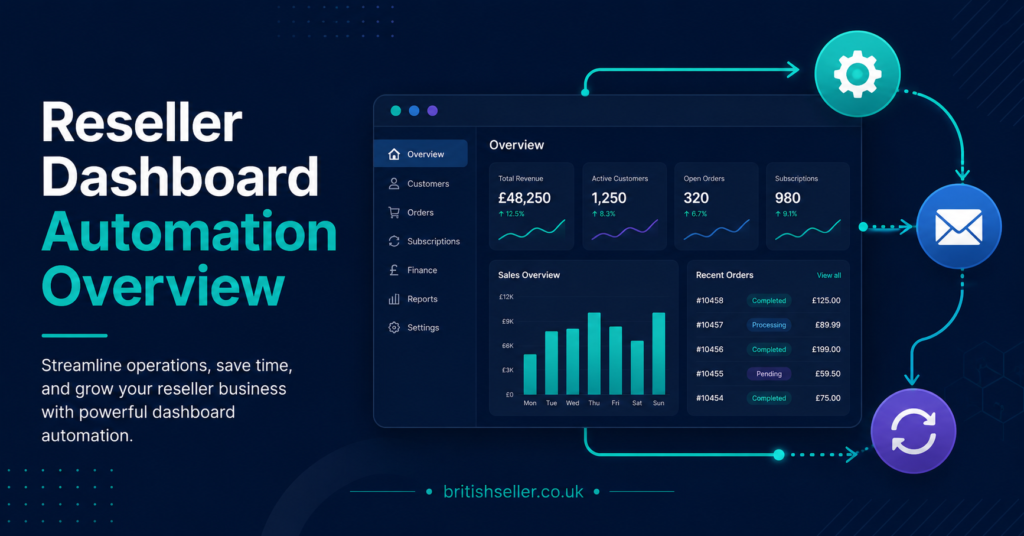
Pro tip: Before automating anything, track how many minutes you spend on renewals and account creation for one full week. That number tells you whether automation will save meaningful time or just add another subscription to manage.
Built-In Panel Tools vs Third-Party Bridge Software
Not every reseller needs a separate automation product. If your panel already supports trial generation, bulk renewals, and basic templated messages, a lot of the manual pain is already solved without adding another login and another monthly cost. Third-party automation earns its keep when you are running multiple panels at once, when you need billing to sync automatically with a website or shop, or when your customer volume has genuinely outgrown what a single dashboard can handle comfortably by hand.
The trade-off is access. Bridge software typically needs your panel API credentials, which means trusting another party with the keys to your customer accounts. That is not a reason to avoid automation outright, but it is a reason to be deliberate about which tool gets that access and why.
Questions Worth Asking Before You Automate
- Does the tool support your specific panel, or a general API standard your panel happens to use?
- What happens to existing customer data if you stop using the tool after three months?
- Does it send messages from your own email address, or does it route everything through a third-party server?
- Can you test it on a handful of accounts before connecting your full customer base?
- Is pricing based on customer volume, panel connections, or a flat monthly fee?
Pro tip: Ask any automation provider directly whether they can confirm compatibility with your specific panel software before you pay. A generic promise of “works with most panels” is not the same as a tested integration.
Where Automation Still Needs a Human
Automation handles repetition well and judgement poorly. A customer disputing a charge, a payment that fails halfway through processing, a renewal request that arrives with the wrong account details typed in, these situations need a person to look at them and decide what happens next. Treating automation as a replacement for support rather than a replacement for admin is where resellers tend to run into trouble. Reviewing our reseller requirements guide is worth doing before you scale automation, since some of the operational basics it covers still apply regardless of how much of the process is automated.
There is also a security dimension. Any tool with write access to your panel can, in theory, create or modify accounts incorrectly if it misfires or is configured wrong. Test changes on a small batch of accounts first, and keep a manual fallback process documented in case the automation stops working during a busy period, such as the start of a football season when renewal volume spikes.
Rolling It Out Without Breaking Your Panel
Start with one function, not the whole workflow. Automating renewals for existing customers while still creating new accounts manually lets you watch how the tool behaves before trusting it with everything. Keep an eye on your reseller profit margins during the first month too, since a subscription fee for automation software only makes financial sense once the time it saves is worth more than what it costs.
Once renewals are running smoothly, extend automation to account creation, then to client messaging last, since communication mistakes are the most visible to customers and the hardest to walk back once sent.
Automation Readiness Checklist
- Track your current weekly hours spent on renewals and account creation
- Confirm the automation tool is compatible with your exact panel software
- Test the connection on a small batch of accounts before full rollout
- Check whether client emails are sent from your own address or a third party’s
- Document a manual fallback process for outages or failed automations
- Review pricing against the actual admin time it will save you
- Automate renewals first, account creation second, client messaging last
Frequently Asked Questions
Is IPTV Reseller Automation Software the same as my panel’s built-in tools?
Not necessarily. Many panels include basic automation such as trial generation and bulk renewals natively. Separate automation software usually adds billing platform integration, multi-panel support, or automated client messaging that goes beyond what the panel dashboard offers on its own.
Does automation software work with any reseller panel?
It depends on the tool and the panel’s API. Some automation software supports a wide range of panels because it works with a common API standard, while others are built for specific systems. Always confirm compatibility before paying rather than assuming it will connect.
Will automating renewals reduce customer support requests?
It can reduce the volume of routine requests like “can you renew me” or “send my login again,” but it will not eliminate support work. Payment issues, device problems, and account disputes still require a person to respond.
Is it safe to give automation software access to my panel?
Reasonable caution is warranted since these tools typically need API credentials with account creation and modification rights. Test with a small number of accounts first, use a provider you can actually contact if something goes wrong, and keep your own record of what access you have granted.
At what point does manual management stop being practical?
There is no fixed number, but most resellers notice the shift somewhere between 50 and 100 active lines, particularly when renewal dates are spread unevenly across the month rather than clustered together.
Can sub-reseller credit distribution be automated too?
Some tools track credits issued to resellers under your account and flag low balances automatically, though setting margins and payment terms for those sub-resellers still requires your own judgement.
IPTV Reseller Panel Automation Software is worth considering once manual renewals, account creation, or client messaging are genuinely costing you hours you could spend growing the business rather than maintaining it. It is not worth adding for its own sake if your current customer volume is comfortable to manage by hand, and it is never a substitute for the support judgement calls that still need a person behind them. Start small, automate one function at a time, and keep a manual process documented as a fallback so a technical hiccup never becomes a customer-facing problem.