Book Appointment Now
How to Structure IPTV Stream Categories That Convert 2026
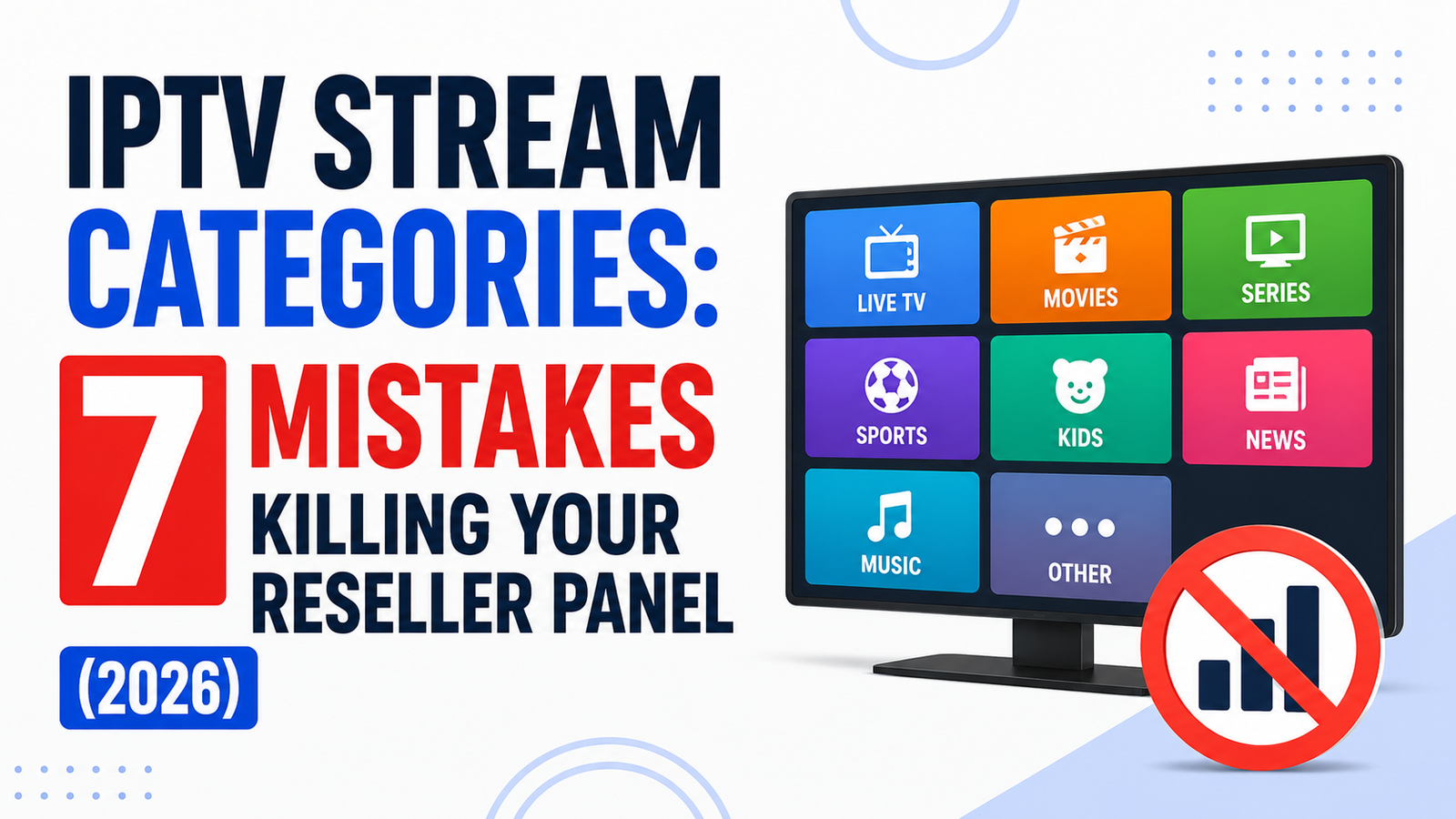
Why Your IPTV Stream Categories Are Costing You Subscribers
Somewhere between your first hundred subscribers and your first major complaint wave, you realise something uncomfortable. The streams were never the problem. The way you organised your IPTV stream categories was. Most UK IPTV resellers pour money into server capacity and uplink redundancy, yet they leave their category structure looking like a junk drawer, hundreds of channels dumped under vague labels nobody can navigate. That single oversight drives more cancellations than buffering ever will.
This article breaks down what separates a panel people tolerate from one they actually recommend to friends. Every section covers a different angle you probably haven’t considered.
How IPTV Stream Categories Shape First Impressions on Any Device
A subscriber opens your app for the first time. They don’t evaluate bitrate. They don’t run a speed test. They scroll. And what they scroll through is your IPTV stream categories list, that’s the product in their eyes. If it takes more than two swipes to find live football or the news, you’ve already lost trust before a single frame buffers.
On Firestick and Android boxes, poorly structured IPTV stream categories create an especially painful experience. Remote-based navigation punishes long, unorganised lists. Every extra click is friction. Every misplaced channel is a micro-frustration that accumulates until the subscriber messages you asking for a refund, or worse, just disappears.
Pro Tip: Test your IPTV stream categories by handing your remote to someone who has never seen your panel. If they can’t reach a League match or a major news channel within 15 seconds, your structure needs surgery, not tweaks.
The operators who retain subscribers quarter after quarter treat their category list like a storefront layout. High-demand content sits at the top. Regional channels get grouped by geography, not by provider feed name. VOD libraries are separated from live streams so users never confuse the two.
The Naming Convention Trap That Tanks Subscriber Experience
Here’s where most UK IPTV resellers sleepwalk into disaster. They import a provider’s default feed and inherit category names like “UK-ENT-1” or “SPORTS_ALL_FHD,” labels that mean nothing to a household subscriber who just wants to watch a cooking show after work.
Your IPTV stream categories need human-readable labels. Period. “Entertainment,” “Sports: Live,” “Kids & Family,” “News: International.” These aren’t creative decisions. They’re retention decisions. Every cryptic abbreviation you leave in place tells the subscriber this panel wasn’t built for them.
Renaming categories isn’t glamorous work, and on Xtream Codes or XUI panels it means manually editing category names, sometimes hundreds of them. But the resellers who actually do this see measurably lower churn within the first billing cycle.
- Strip all provider-side abbreviations from visible category names
- Separate HD and SD tiers visually so subscribers know what they’re clicking
- Create a dedicated “Favourites” or “Top Picks” category and rotate it monthly
- Remove empty or dead categories immediately, nothing screams amateur louder than a category with zero working channels
Why Splitting Live and VOD Into Separate Categories Matters More Than You Think
A surprising number of panels still lump live channels and video-on-demand libraries into the same browsing layer. From a backend perspective, it’s simpler. From a subscriber perspective, it’s chaos. Someone searching for a live match doesn’t want to scroll past 400 movie titles to get there.
Dedicated IPTV stream categories for VOD also let you manage EPG data more cleanly. Live streams pull electronic programme guide information that VOD content doesn’t need. When they share a category, your EPG can misfire, showing programme schedules against movie files, which looks broken even when it isn’t.
Pro Tip: Create at least three top-level category splits, Live TV, VOD Movies, and VOD Series. Under each, nest your categories by genre. This mirrors what subscribers expect from any mainstream streaming app, and matching that expectation reduces support tickets dramatically.
The operational benefit goes deeper. When you separate live and on-demand categories on the backend, load balancing becomes easier. Live TV hammers your uplink servers during peak hours. VOD traffic is more distributed. If your categories reflect that split, you can monitor and allocate bandwidth per category type rather than guessing which content is eating your capacity.
Should You Organise by Region or by Language? Here’s What Retains Better
This debate comes up constantly among resellers scaling beyond a single market. Do you organise IPTV stream categories by country or by language? The answer depends on who your subscribers actually are.
If you serve diaspora communities, say, Urdu-speaking households in the UK, language-based categories perform better. These subscribers don’t care whether a channel is technically Pakistani, Indian, or Gulf-based. They want everything they can understand in one place.
If you serve geographic markets, UK households wanting local news alongside entertainment, country-based categories make more sense. They expect “UK Channels” as a top-level label, with subcategories underneath. Here’s a quick breakdown of how each approach tends to perform:
| Approach | Best for | Drawback |
|---|---|---|
| Language-based categories | Diaspora audiences, multilingual panels | Can confuse users expecting geographic grouping |
| Region-based categories | Single-market resellers, localised panels | Fragments content for bilingual subscribers |
| Hybrid (region then language) | Multi-market operations | Requires more manual category management |
The worst outcome is doing neither intentionally. If your IPTV stream categories are a random mix of geographic and linguistic labels, nobody finds what they want efficiently.
The Revenue Most Resellers Leave on the Table With Premium Categories
Think about your credit structure for a moment. Most reseller panels run a flat credit model, one credit buys access to the entire channel list. But tiered category access changes that equation.
Sports packages, international bundles, and pin-gated adult content can all be sold as standalone add-ons instead of bundled into one flat subscription. You offer a base package, then let subscribers pay up for premium category upgrades. This raises average revenue per subscriber without pushing your server costs up at the same rate.
The infrastructure for this already exists in most Xtream-based systems. Categories map to bouquets, and bouquets map to subscription tiers. Resellers who set this up properly report 20 to 30 percent higher monthly revenue per subscriber than those still running flat-access models.
- Base tier: Entertainment, News, Kids, General Sports
- Mid tier: Base plus Premium Sports, Documentary Channels
- Top tier: Full access to all categories including PPV-equivalent content
Pro Tip: Never label your premium categories with the word “premium” alone. Use descriptive names that sell the content, “Live Match Day” converts better than “Sports Premium.” Subscribers buy experiences, not access levels.
When Too Many Categories Start Slowing Your Panel Down
There’s a ceiling. Most IPTV Panel resellers don’t know it exists until they hit it. When your IPTV stream categories exceed a certain volume, typically 150 to 200 active categories on an Xtream panel, your playlist load times start climbing. Not because the server can’t handle the streams, but because the middleware generating the M3U or JSON playlist has to enumerate every category and its contents on each login.
This is an infrastructure problem disguised as a content problem. Your subscribers experience it as slow loading or app crashes. You experience it as confused support messages. The fix isn’t deleting content, it’s restructuring your categories so playlist generation stays lean.
Nesting helps. Instead of 180 flat categories, create 15 parent categories with subcategories beneath them. The playlist generator handles hierarchical structures more efficiently, and your subscriber gets a cleaner navigation tree.
DNS poisoning and ISP-level deep packet inspection add another layer. When your panel generates bloated playlists, those larger payloads become easier for ISPs to fingerprint. Leaner categories mean smaller playlist files, which are harder to identify in transit, especially when wrapped in HLS encryption.
Seasonal Category Management, What Operators Who Retain Subscribers Do Differently
Your IPTV stream categories shouldn’t be static. The resellers with the lowest churn rates rotate and adjust their categories based on seasonal demand. During a major football tournament, a temporary “Tournament Live” category appears at the top of the list. During Ramadan, a dedicated category for religious programming surfaces for relevant markets.
This isn’t just cosmetic. It signals to subscribers that someone is actively managing the service. That perception of active curation is one of the strongest retention tools available, and it costs nothing beyond ten minutes in your panel.
- Create pre-built seasonal category templates you can activate and deactivate
- Pin high-demand seasonal categories to the top of the navigation
- Remove or archive off-season categories rather than leaving them empty
- Announce category changes to subscribers via your Telegram or WhatsApp group
Pro Tip: Set a calendar reminder for every major sporting and cultural event relevant to your subscriber base. Pre-building those seasonal templates a week before the event means zero scramble on launch day.
Backup Uplink Servers and Their Relationship to Your Categories
When an uplink goes down, and it will, your IPTV stream categories become your triage tool. If your categories are well-structured and mapped to specific server sources, you can identify exactly which content block is affected and reroute it. If your categories are a mess, you’re stuck manually checking channels one by one while your subscribers flood your inbox.
Smart category-to-server mapping means tagging each category internally to its uplink source. When a backup uplink takes over, the failover is category-level, not channel-level. This reduces your recovery window from hours to minutes.
Load balancing across categories also prevents a single server from becoming a bottleneck. If all your sports streams live in one category tied to one server, a spike during a major match takes down your most valuable content. Distributing sports across multiple backend servers, while keeping them in a single subscriber-facing category, is how scaled operators handle peak traffic without visible degradation.
What ISP Blocking Trends in 2026 Mean for Your Category Structure
AI-driven enforcement has changed the game. ISPs in the UK and EU now use machine learning models that analyse traffic patterns, not just DNS requests. A large, unstructured playlist hitting a known CDN signature is an easy flag.
Smaller, well-organised IPTV stream categories help because they produce smaller, more varied playlist payloads. When a subscriber loads a single category rather than the entire channel list, the resulting network traffic looks different, more like a standard streaming request than an IPTV panel pull.
Resellers who restructured their categories to support per-category loading rather than full-playlist loading reported fewer ISP blocks in early 2026. It’s not a silver bullet, but it’s a meaningful layer in your anti-detection stack alongside encrypted DNS and token-authenticated HLS delivery. The difference in practice looks like this:
| Factor | Flat playlist (all categories) | Per-category loading |
|---|---|---|
| Playlist file size | Large, easy to fingerprint | Small, harder to identify |
| ISP detection risk | Higher | Lower |
| App load speed | Slower on login | Instant per category |
| HLS latency impact | Compounded | Isolated per category |
| Subscriber experience | Delayed start | Immediate playback |
Frequently Asked Questions
How many IPTV stream categories should a reseller panel have?
There’s no universal number, but most well-managed panels operate between 40 and 80 active IPTV stream categories. Fewer than 30 usually means content is crammed together and hard to browse. More than 150 creates playlist bloat and slows load times. The goal is enough granularity for easy navigation without overloading the middleware that generates your channel lists.
Can IPTV stream categories affect buffering or playback quality?
Not directly, but indirectly, yes. When categories are structured poorly and playlists become oversized, the initial connection takes longer. On lower-powered devices like older Firesticks, loading a massive flat category list can cause the app to freeze or restart. Per-category loading solves this by only fetching what the subscriber selects.
What is the best way to name IPTV stream categories for household subscribers?
Use plain English labels that describe the content, not the source. “Movies: Action,” “Live Sports,” “Kids & Cartoons” will always outperform provider-coded names like “US-MOV-HD” or “SP_01.” Household subscribers are not technical users, your naming should reflect that.
How do IPTV stream categories relate to bouquet management in Xtream panels?
Bouquets are the backend access control layer. IPTV stream categories are the frontend navigation layer. You assign channels to categories for browsing and to bouquets for permission. A single channel can exist in one category but appear in multiple bouquets, letting you create tiered subscription packages from the same content library.
Is it worth creating separate IPTV stream categories for 4K and HD content?
Yes, especially if your subscriber base includes users on varying internet speeds. A dedicated 4K category sets clear expectations about bandwidth requirements. It also lets you assign 4K streams to higher-capacity servers without affecting your standard HD delivery infrastructure.
Do IPTV stream categories impact SEO for my reseller website?
Your panel categories themselves don’t index on Google, but the way you describe your IPTV stream categories on your website does. Listing your category structure on a channel list page, with well-written descriptions, gives you keyword-rich content that ranks for long-tail searches like “IPTV with kids channels” or “IPTV sports categories UK.”
How often should I update or reorganise my IPTV stream categories?
At minimum, review them quarterly. In practice, the best operators adjust categories around major sporting events, cultural seasons, and whenever they onboard a new content source. Stale categories with dead channels are the fastest way to make a panel look abandoned and untrustworthy.
Can I automate IPTV stream categories management through the Xtream API?
Yes. The Xtream Codes API allows programmatic category creation, renaming, and reordering. Resellers running multiple panels use scripts to sync IPTV stream categories across all their brands, ensuring consistency without manual editing on each panel individually.
IPTV Stream Categories Success Checklist for Resellers
- Audit every category name in your panel, replace all provider-coded abbreviations with subscriber-friendly labels this week.
- Split your content into at least three top-level divisions: Live TV, VOD Movies, VOD Series. Nest IPTV stream categories under each.
- Count your active categories. If you’re above 150, consolidate. If below 30, expand with meaningful subcategories.
- Map each IPTV stream categories group to its uplink server source so you can triage instantly when a feed drops.
- Build at least four seasonal category templates, two for major sporting events, two for cultural or religious programming windows.
- Enable per-category playlist loading in your panel settings to reduce payload size and ISP fingerprinting risk.
- Set up a tiered bouquet system that lets you sell base, mid, and top-tier access using your IPTV stream categories as the product structure.
- Test your full category navigation on a Firestick with a fresh subscriber account. If anything takes more than three clicks to reach, restructure.
- Schedule a quarterly category review, remove dead channels, rename outdated labels, and reorder based on current demand.
- Visit British seller to explore a IPTV Reseller panel structure built around these exact principles and start reselling with categories that actually convert.