Book Appointment Now
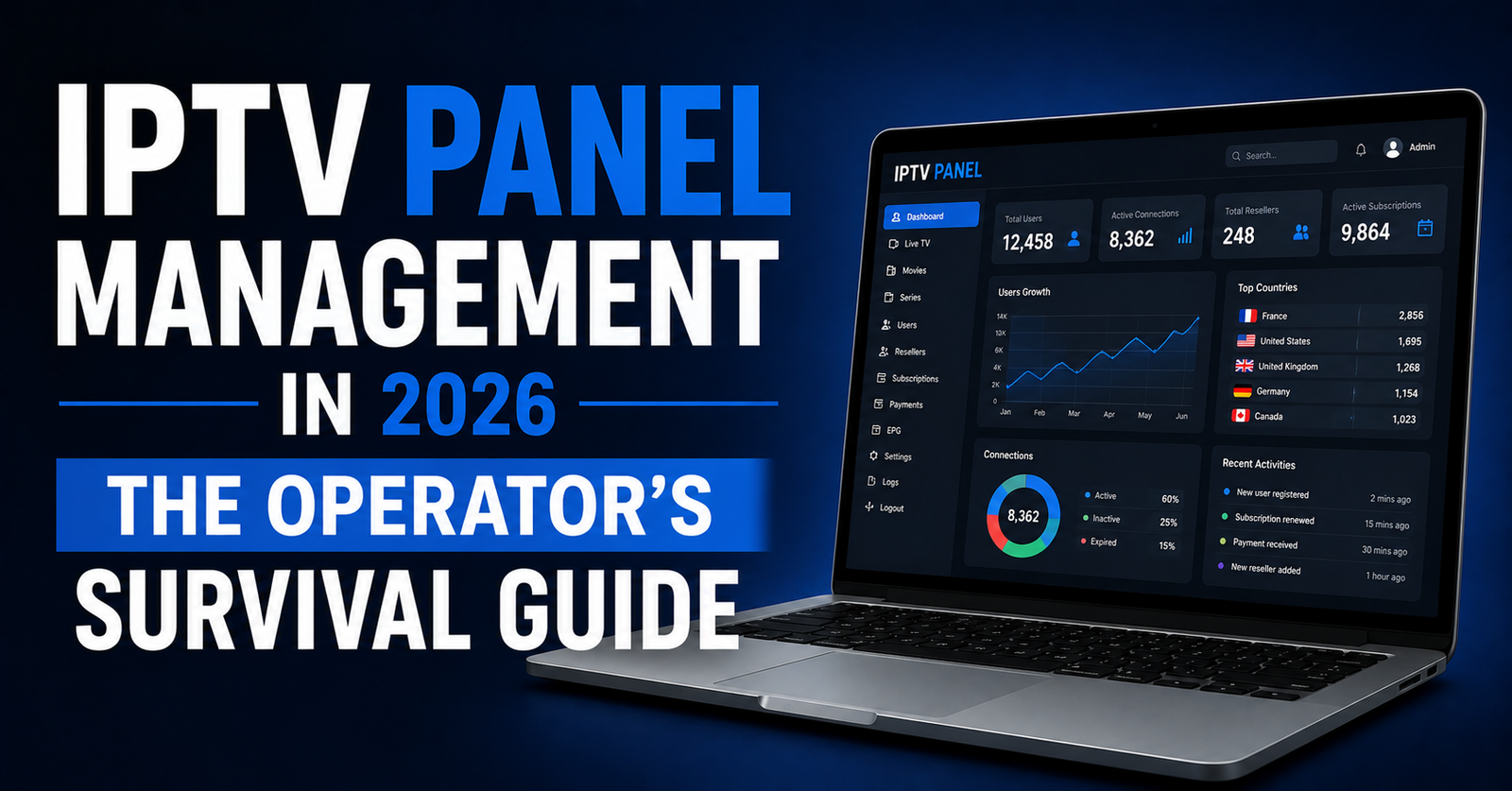
IPTV Panel Management in 2026: Panel Operator’s Guide
Nobody Talks About the Ugly Side of Running a Panel
IPTV panel management in 2026 means actively running the infrastructure, credits, security and load balancing behind your reseller lines, not installing a panel once and letting it coast. Operators who treat it as a background task are usually the ones who lose subscribers to buffering, outages and blocked domains within a few months.
There is a particular kind of silence that hits at 2 AM when your IPTV panel management dashboard lights up red and three resellers are already in your inbox asking why their subscribers cannot connect. You are not a blogger reading about this. You are the person staring at server logs wondering whether to restart the main node or failover to backup. That is the reality of running a panel in 2026, and it is nothing like the polished tutorials floating around the internet.
Most guides treat IPTV panel management as a setup-and-forget task. Install Xtream Codes or an equivalent system, add some credits, hand out lines, collect money. But operators who actually survive beyond six months know the panel is a living system, it breathes with your subscriber count, it chokes when you ignore load distribution, and it dies when you treat infrastructure decisions as afterthoughts.
This article is written from the trenches, and every section covers a different dimension of IPTV panel management that directly affects whether your UK IPTV reseller operation scales or collapses. No recycled advice, no filler paragraphs telling you IPTV is growing fast, you already know that. What you need is the operational knowledge that separates a panel operator running 50 lines from one running 5,000.
The Credit Economy Nobody Explains Properly
Credits are the currency of IPTV panel management, yet most new UK IPTV resellers treat them like a simple inventory number. Buy credits from your provider, distribute them as subscriptions, pocket the margin. Simple, right?
Not even close.
The real complexity starts when you factor in credit expiration policies, renewal timing, and the psychology of your sub-resellers. A sub-reseller sitting on 200 unused credits is not a loyal partner, that is a ticking time bomb of chargebacks and complaints. Effective IPTV panel management means monitoring credit velocity, how fast credits convert into active lines, not just how many you have sold. Here is what that discipline looks like in practice:
- Track credit-to-activation ratio weekly
- Set minimum purchase thresholds to filter out tyre-kickers
- Implement tiered pricing that rewards volume without destroying margins
- Monitor which sub-resellers hold credits longest without activating
Pro Tip: If a sub-reseller’s credit activation rate drops below 60% over 30 days, reach out before they request a refund. Proactive communication saves more accounts than any discount ever will.
Credit mismanagement is one of the fastest ways to bleed money in this business. You are essentially running a micro-economy, and ignoring the flow of that economy is how panels go from profitable to underwater in a single quarter.
Load Distribution Is Where Amateurs Get Exposed
Here is where IPTV panel management separates the hobbyists from the operators. Your panel might handle 300 concurrent streams comfortably on a Tuesday afternoon. But what happens on a Saturday evening when a major sporting event kicks off and your connection count triples in 90 seconds?
Most resellers never stress-test their infrastructure. They assume the upstream provider handles everything. That assumption works until it does not, and when it fails, your subscribers do not blame the provider. They blame you. The difference between amateur and professional setups usually shows clearly once you break it down side by side:
| Factor | Budget setup | Professional setup |
|---|---|---|
| Server nodes | Single shared node | Multiple dedicated nodes with geographic spread |
| Failover | None, full outage if node drops | Automatic rerouting to backup uplink servers |
| Load balancing | Round-robin DNS only | Intelligent HLS-aware load balancing |
| Monitoring | Manual checks | Automated alerts with latency thresholds |
| Recovery time | 30 to 60 minutes | Under 3 minutes |
Proper IPTV panel management demands that you understand where your streams physically travel. If all your subscribers route through a single server in one data centre, you are one hardware failure away from losing every active connection simultaneously.
DNS Poisoning and ISP Blocking: The 2026 Landscape
Every serious conversation about IPTV panel management in 2026 has to address what is happening at the ISP level. Major broadband providers across Europe and North America have moved well beyond simple domain blocking. AI-driven deep packet inspection is now actively identifying HLS stream patterns, even when traffic is encrypted.
What does this mean for your panel? It means the domain your panel resolves to today might be unreachable for a chunk of your subscribers tomorrow. DNS poisoning, where ISPs redirect your panel’s domain to a dead page, has become the most common first-strike enforcement tactic.
- Rotate panel domains on a scheduled cycle, not just reactively
- Maintain at least two backup uplink servers on different IP ranges
- Use DNS-over-HTTPS configurations in subscriber setup guides
- Monitor regional accessibility daily, not weekly
Pro Tip: Set up automated ping checks from five different geographic locations. If two or more fail simultaneously, trigger your domain rotation immediately. Waiting for subscriber complaints means you have already lost connections and trust.
The operators who build DNS resilience into their workflow from day one are the ones still operating a year later. Everyone else is constantly rebuilding.
Subscriber Churn Is Rarely a Content Problem, It’s a Panel One
Most resellers blame churn on content quality. The channel list is not big enough. The EPG is not accurate. The VOD library is outdated. While those factors matter, the real churn drivers are almost always operational.
Buffering during peak hours. Connections dropping mid-stream. Slow line activation after purchase. Confusing renewal processes. These are panel-side failures, and they account for far more subscriber losses than a missing channel ever will.
Think about it from the subscriber’s perspective. They do not care about your backend infrastructure. They care that the stream loads in under three seconds and does not freeze during the second half of a match. That expectation sits entirely within your control through disciplined panel management.
- Audit your average line activation time, if it exceeds 5 minutes, automate it
- Implement connection quality dashboards visible to your sub-resellers
- Set up automatic HLS latency alerts when streams exceed acceptable thresholds
- Create a simple subscriber FAQ that reduces repeat support tickets by 40%
Churn is a lagging indicator. By the time someone cancels, the damage was done weeks ago during a buffering incident you never even noticed.
The Security Mistakes That Get Panels Shut Down
Here is a dimension of IPTV panel management that almost nobody writes about because it is uncomfortable. Your panel is a target, not just from enforcement agencies, but from competitors, disgruntled former sub-resellers, and opportunistic hackers scanning for exposed admin ports.
The most common security failure is embarrassingly basic: default credentials. An alarming number of panels still run with factory admin passwords months after deployment. The second most common failure is exposing your panel’s API endpoint without rate limiting, which lets anyone enumerate your user database.
Pro Tip: Change your panel admin URL from the default path. If your panel login sits at yourdomain.com/panel or /admin, every automated scanner on the internet already knows where to knock.
Solid panel management requires treating your panel like a production server, not a hobby project.
- Enforce two-factor authentication on all admin and reseller accounts
- Whitelist IP ranges for API access
- Audit login attempts weekly and block repeat offenders automatically
- Keep panel software updated, patching delays are invitations
One compromised panel can leak your entire subscriber database, your reseller network, and your server configurations. Recovery from that is not a weekend project, it is often a complete rebuild.
Scaling From 500 to 5,000 Lines Without Imploding
Scaling sounds exciting until you are living through it. The jump from a few hundred active lines to several thousand is where IPTV panel management becomes genuinely difficult. Infrastructure that hummed along at 500 connections starts groaning at 2,000 and collapses at 4,000.
The mistake most operators make is scaling linearly. They add one more server when connections increase, then another, then another, without rethinking the architecture underneath. Linear scaling works until it suddenly does not, and the breaking point usually arrives during peak demand, which is the worst possible moment for it to happen. Here is roughly how the priorities shift as your line count climbs:
| Scaling stage | Key challenge | Management priority |
|---|---|---|
| 0 to 500 lines | Initial setup stability | Reliable single-node configuration |
| 500 to 2,000 lines | Peak-hour congestion | Load balancing across multiple nodes |
| 2,000 to 5,000 lines | Geographic latency | Regional server distribution and CDN integration |
| 5,000+ lines | Operational complexity | Dedicated monitoring, automated failover, team delegation |
At each stage, your approach to panel management must evolve. The processes that worked at 500 lines become bottlenecks at 2,000. Manual line activation, individual troubleshooting, and single-person support all need to be systematised before you hit the next tier.
The Backup Strategy Most Operators Skip
Ask ten IPTV Panel resellers about their backup plan and eight will tell you they have one. Ask them to demonstrate a failover and most will admit they have never actually tested it. An untested backup is not a backup. It is a hope.
In IPTV panel management, your backup uplink servers are not optional luxuries. They are operational necessities. When your primary goes down, and it eventually will, your failover path determines whether your subscribers experience a 30-second blip or a three-hour outage.
- Maintain backup uplink servers on entirely separate networks, not just different IPs on the same provider
- Run monthly failover drills, switch to backup during low-traffic hours and verify stream quality
- Document your failover process so any team member can execute it, not just you
- Keep DNS TTL values low enough that domain switches propagate within minutes
Pro Tip: Your backup server should carry at least 48 hours of independent operational capacity. If your primary takes two days to restore and your backup cannot sustain the load independently, you do not have redundancy. You have a delay.
Disciplined panel management treats every outage as inevitable and every recovery as rehearsed.
Interpreting Your Analytics Like an Operator, Not a Spectator
Raw numbers are useless without interpretation. Your dashboard shows connection counts, active lines, credit balances, and maybe some bandwidth graphs. But what should you actually be watching?
The metrics that matter are the ones that predict problems before they become visible to subscribers. A slow upward trend in HLS latency over two weeks is more important than a single spike that resolves itself. A gradual decline in peak concurrent connections might indicate subscriber churn before cancellation requests even arrive.
- Monitor average stream startup time, increases here directly correlate with subscriber complaints
- Track geographic distribution of connections to identify regional ISP blocking patterns
- Compare weekday versus weekend peak loads to plan capacity accurately
- Watch credit purchase frequency among sub-resellers as an early indicator of their sales health
Most operators only look at their dashboard when something breaks. Staying proactive means reading these numbers daily, spotting patterns weekly, and adjusting infrastructure monthly.
Frequently Asked Questions
What exactly does IPTV panel management involve on a daily basis?
Daily IPTV panel management includes monitoring active connections, checking server load and HLS latency, processing new line activations, responding to reseller support requests, and reviewing analytics for early warning signs of infrastructure strain or subscriber churn. It is an active operational role, not a passive setup task.
How many backup uplink servers should a reseller maintain?
A minimum of two backup uplink servers on separate networks is recommended. One backup handles short interruptions, while a second provides redundancy if the first backup also encounters issues. Geographic diversity between these servers further reduces the risk of simultaneous regional outages.
Can ISP blocking affect my panel even if I use encrypted streams?
Yes. In 2026, AI-driven deep packet inspection can identify HLS streaming patterns regardless of encryption. ISPs increasingly use DNS poisoning and traffic pattern analysis rather than simple domain blocking, which means encrypted streams are no longer automatically safe from detection.
What is a healthy credit-to-activation ratio for sub-resellers?
A ratio above 70% within 30 days of purchase indicates a healthy, active sub-reseller. Anything below 50% suggests they may be stockpiling credits speculatively or struggling to find subscribers, both of which increase your refund and chargeback risk.
How do I know when my panel infrastructure needs upgrading?
Watch for consistent HLS latency increases during peak hours, stream startup times exceeding four seconds, and connection drop rates climbing above 2%. These metrics appearing together over a two-week period signal that your current infrastructure is approaching capacity limits.
Is it worth investing in automated failover for a small reseller operation?
Even panels running under 500 lines benefit from basic automated failover. Manual recovery during an outage takes 20 to 60 minutes on average, during which every subscriber experiences downtime. Automated failover reduces that window to under three minutes, which directly impacts retention.
What is the biggest security risk in IPTV panel management?
Exposed API endpoints without rate limiting represent the single largest attack surface. They allow malicious actors to enumerate user databases, test credentials at scale, and potentially access subscriber information. Securing API access with IP whitelisting and authentication tokens should be a first-day priority.
How often should I rotate my panel domains to avoid DNS poisoning?
Proactive rotation every 60 to 90 days is a reasonable baseline, with immediate rotation triggered whenever automated monitoring detects regional accessibility failures from multiple geographic checkpoints. Reactive-only rotation always leaves a gap where subscribers cannot connect.
IPTV Panel Management Success Checklist
- Audit your credit-to-activation ratio across all sub-resellers this week and flag anyone below 60%
- Verify your panel admin URL is not set to a default path and enforce two-factor authentication on every account with reseller-level access or above
- Run a live failover drill to your backup uplink servers during off-peak hours and document the exact steps so any team member can repeat it
- Set up automated latency monitoring from at least three geographic locations with alerts triggering at defined thresholds
- Review your DNS rotation schedule and reduce TTL values to enable faster propagation during emergency domain switches
- Implement API rate limiting and IP whitelisting before the end of the month if not already active
- Build a subscriber-facing FAQ document that addresses the five most common support tickets to reduce repetitive queries
- Schedule a monthly infrastructure review where you compare peak load trends against current server capacity and plan upgrades proactively
- Explore trusted IPTV reseller panel solutions at British Reseller to benchmark your current setup against professional-grade infrastructure
- Stop treating your panel like a set-and-forget tool, commit to daily dashboard checks as a non-negotiable part of your operational routine