Book Appointment Now
How to Use IPTV Reseller KPIs to Boost Your Profits 2026
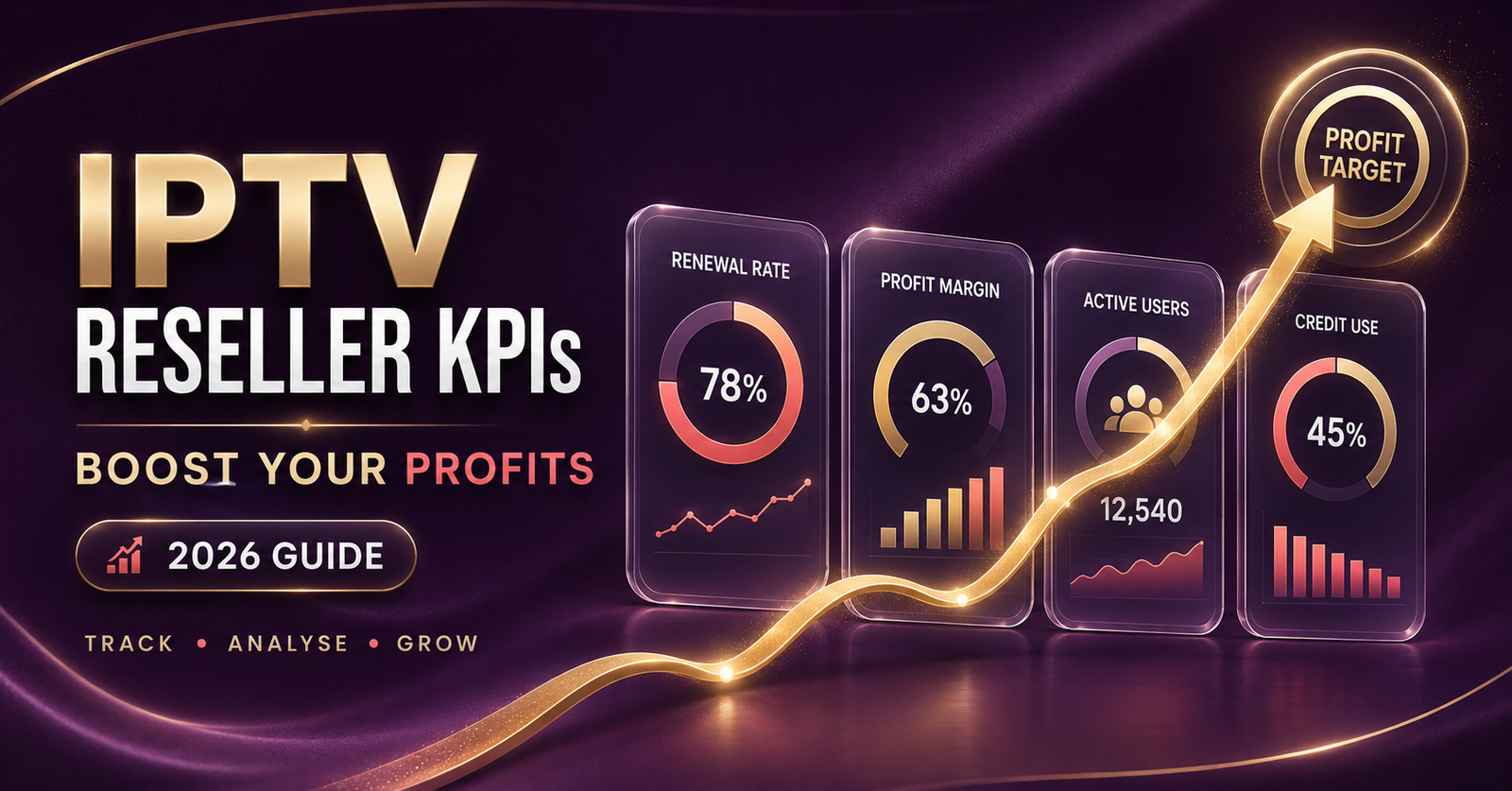
IPTV Reseller KPIs are the small set of numbers that tell you whether your panel is genuinely growing or just cycling the same handful of customers each month. Most UK IPTV resellers only look at one figure: how many credits they’ve sold. That’s a sales number, not a business number, and it hides the problems that eventually sink a reseller account. The four that matter most are renewal rate, credit burn rate, support ticket volume and, if you sell downward, sub-reseller margin retention.
Which IPTV Reseller KPIs Actually Matter
There’s a difference between a metric that sounds impressive and one that actually predicts trouble. Total credits sold looks good on a screenshot but tells you nothing about whether those customers are still with you in month three. The KPIs worth your attention are the ones that move before a problem becomes visible in your bank balance.
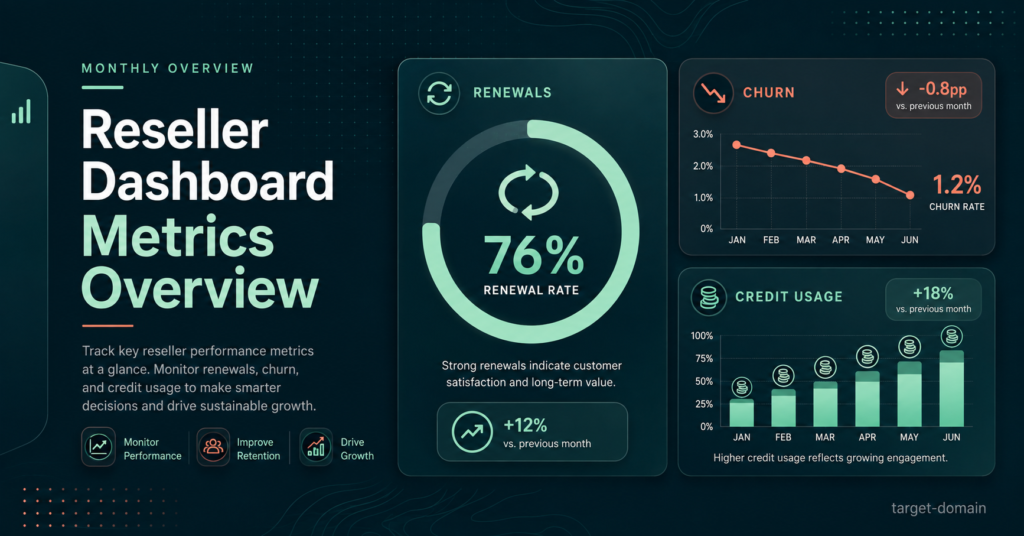
Renewal rate sits at the top of that list. It’s the percentage of customers who buy another month, quarter or year once their current line expires, and it’s a far more honest signal than new sign-ups because it reflects what you’re actually delivering, not what you promised in a sales message. Credit burn rate, meaning how quickly your credit balance depletes relative to how much revenue it’s generating, tells you whether your pricing and your customer mix are working together or fighting each other. Support ticket volume per active line flags stream quality issues before customers start quietly leaving. And if you run sub-resellers, their own renewal and activity numbers need to be tracked separately from your direct subscriber base, because the two groups behave very differently.
Why Renewal Rate Beats New Sales As A Signal
A reseller who sells thirty new lines in a month can still be shrinking if twenty-five customers from three months ago don’t come back. New sales are visible and satisfying to track, which is exactly why they’re overused as a health check. Renewal rate forces you to look at the part of the business that actually compounds.
Calculating it doesn’t need anything complicated. Take the customers whose subscriptions expired in a given month, then work out what percentage bought again within a reasonable window, say two weeks either side of expiry. Do this monthly rather than trying to track it in real time, because small sample sizes early on will swing wildly and tell you very little.
Pro tip: keep a simple list of expiry dates as you create each line. Even a basic spreadsheet with customer name, activation date and expiry date turns renewal tracking from guesswork into a five-minute monthly job.
There’s also a timing element worth understanding. A customer who renews on the exact day their line expires behaves differently from one who lapses for two weeks and comes back after chasing you for a discount. Both count as a renewal in a simple tally, but only the first is a genuinely healthy signal. If you notice renewals clustering around “won back after lapsing” rather than “renewed on time”, that’s usually a pricing or communication gap rather than a service problem.
Reading Your Credit Burn Rate Correctly
Credit burn rate gets misread more often than any other number on this list. IPTV Panel Resellers assume a fast burn rate is automatically good because it means credits are being used. In practice, it depends entirely on what those credits are converting into.
Burning through credits on one-month lines at a low resale price behaves completely differently to the same credit volume spent on twelve-month lines sold at a proper annual rate. The pricing structure behind those two approaches changes your monthly cash position significantly, even when the raw credit count looks identical on the surface. A useful habit is comparing burn rate against revenue per credit rather than looking at either number alone. If your burn rate is climbing but revenue per credit is falling, you’re likely discounting too aggressively to chase volume, and that pattern tends to catch up with margins within a couple of billing cycles.
Seasonal swings matter here too. Sports-heavy periods typically push burn rate up as trial requests convert faster, while quieter months slow it down. Judging your business against a single month, particularly straight after a major sporting event, will usually give you a distorted picture.
Support Load As An Early Warning Metric
Most resellers treat support messages as an annoyance to clear rather than data worth logging. That’s a missed opportunity, because support ticket volume, particularly when it clusters around specific devices or specific customers, is often the first visible sign of a stream quality issue before it shows up in your renewal numbers.
Tracking this doesn’t need a helpdesk system. A simple running note of what each support message was about, whether that’s buffering, login trouble, or a device-specific fault such as those covered in common IPTV Smarters Pro issues, will surface patterns within a few weeks. If tickets from a particular device type spike, that’s usually an app or configuration issue rather than a wider stream problem, and treating it as one wastes time chasing the wrong fix.
Sub-Reseller KPIs Are Different From Subscriber KPIs
Once an account grows large enough to bring on sub-resellers, it’s tempting to fold their numbers into the same tracking sheet as direct customers. That flattens two very different behaviours into one misleading average.
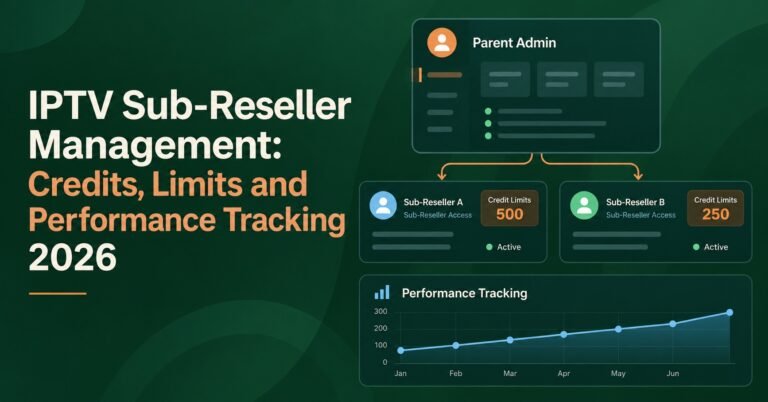
A sub-reseller buying fifty credits a month is running their own small operation underneath yours, and their credit purchases reflect their sales success, not yours directly. The metric worth watching there is whether their credit purchases stay consistent or grow over time. A sub-reseller who buys a large batch once and then goes quiet is either struggling to sell or has moved their customers elsewhere, and either situation is worth a conversation before it becomes a pattern. The requirements for taking on this side of the business generally assume you’re tracking this separately, precisely because blending it with subscriber data hides the signal you actually need.
Pro tip: review sub-reseller purchase consistency monthly, not just total volume. A sub-reseller who buys steadily is more valuable long-term than one who occasionally makes a large purchase and disappears.
Building A Weekly Tracking Habit Without A Spreadsheet Obsession
None of this requires dedicated software or hours of admin. A single spreadsheet with four tabs, one each for renewals, credit usage, support notes and sub-reseller activity, covers everything above. The discipline that matters is updating it weekly rather than letting it lapse and trying to reconstruct three months of history from memory.
Ten minutes on a Sunday evening, going through the week’s expiries, credit purchases and support messages, keeps the data current enough to actually act on. Waiting until month-end to review everything at once means problems have already had four weeks to compound before you notice them.
Pro tip: log the reason for every cancellation or non-renewal, even a one-word note like “price” or “buffering”. After a few months this single column becomes the clearest diagnostic tool you have.
Common Ways Resellers Misread Their Own Numbers
The most frequent mistake is judging performance from a single strong or weak month rather than a rolling trend. Football season, major tournaments and holiday periods all distort short-term numbers in ways that have nothing to do with underlying service quality. Comparing this month against the same month last year, once you have that history, is far more reliable than comparing it against last month.
The second common error is treating gross credit sales as profit. Credits sold minus credits cost isn’t the full picture once you factor in the time spent on support, migrations and customer acquisition. A reseller pulling in strong monthly credit volume can still be working for less than they think once that time cost is honestly accounted for.
The third mistake is ignoring quiet accounts. A customer who hasn’t contacted support and hasn’t complained isn’t necessarily a happy customer; they might simply be a customer who’s already decided not to renew and hasn’t bothered mentioning why. Watching engagement signals, such as whether they’ve reinstalled an app or changed devices recently, gives you a chance to reach out before the expiry date rather than after.
Frequently Asked Questions
How often should I actually review my reseller KPIs?
Weekly for renewals and support notes, monthly for the bigger picture like credit burn and sub-reseller consistency. Daily checking tends to create noise rather than useful signal, since single-day swings rarely mean anything on their own.
What counts as a healthy renewal rate for an IPTV reseller?
There’s no universal figure because it depends heavily on your pricing, your customer mix and how long you’ve been trading. What matters more than any specific number is the trend: a renewal rate that’s stable or improving month on month is a far better sign than chasing a target percentage you’ve read somewhere.
Should sub-reseller performance be tracked separately from subscriber performance?
Yes. The two groups behave differently and blending them into one average hides problems on both sides. A strong subscriber renewal rate can mask a struggling sub-reseller, and vice versa.
What’s the fastest KPI to check if something feels off?
Support ticket volume, because it reacts faster than renewal rate. A spike in tickets this week can flag a problem two or three weeks before it shows up as a dip in renewals.
Do I need dedicated software to track any of this?
No. A basic spreadsheet covers everything described here. The value comes from consistent weekly updates, not from the sophistication of the tool.
Tracking IPTV Reseller Panel KPIs properly comes down to watching renewal rate, credit burn, support load and, where relevant, sub-reseller consistency, rather than fixating on total credits sold. None of these numbers need complicated software or daily monitoring; a simple spreadsheet updated weekly will surface most problems well before they show up in your revenue. Start by logging cancellation reasons for the next month, since that single habit tends to reveal more about your business than any other metric on this list.
Reseller KPI Tracking Checklist
- Log every line’s activation and expiry date somewhere you’ll actually check weekly
- Calculate renewal rate monthly, not in real time, to avoid reading too much into small sample swings
- Compare credit burn rate against revenue per credit, not against burn rate alone
- Note the reason behind every cancellation or non-renewal, even briefly
- Track sub-reseller credit purchases for consistency, not just total volume
- Review support ticket topics monthly for patterns tied to specific devices or time windows
- Compare performance against the same period last year once you have twelve months of data