Book Appointment Now
IPTV Smarters Pro for Android: 2026 Reseller’s Setup Guide
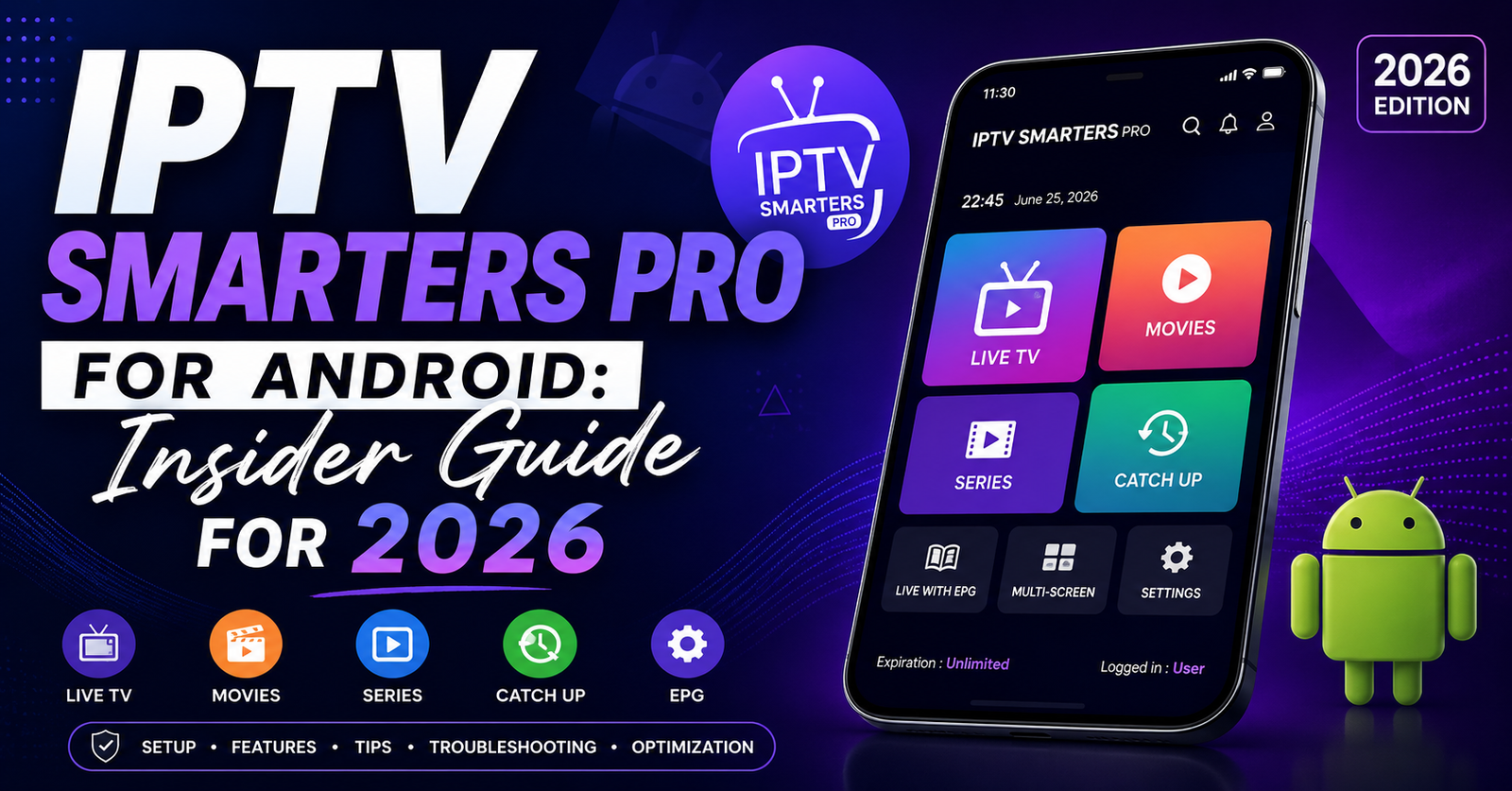
I lost a server on a Saturday night in March. League knockout stage. Roughly 1,400 active streams across two panels, and the moment my primary uplink dropped, my WhatsApp turned into a warzone. Half those customers were watching on Android boxes running IPTV Smarters Pro for Android, and within four minutes, the support tickets stopped being polite.
That night taught me something most tutorials skip: this app is not the problem, and it is not the solution. It is the windshield through which your customers judge everything you build behind it. If your infrastructure stutters, the app shows it. If your panel is honest, the app rewards you. Treat IPTV Smarters Pro for Android as a diagnostic surface, not a magic player.
This guide is written for people who actually run lines, resellers handling 50 to 5,000 customers, sub-resellers trying to graduate to wholesale, and the families who buy from them and want a setup that survives more than two months. No marketing copy. No “top 10 features” filler. Just what works when the network is hostile and the customer is impatient.
Why Android Is Where the Real Battle Happens
Walk into any household in the UK, Germany, or the Gulf right now and you will find at least one Android-based streaming device. TV boxes, Fire Sticks running sideloaded launchers, projectors with Android 11 baked in, even cheap monitors with Android dongles glued to the back. This is why the app dominates support tickets, not because it is the best player ever coded, but because it lives where the audience already is.
For UK IPTV resellers, that matters more than feature lists. Your customer base is not split evenly across platforms. Roughly seven in ten of my paying users are on Android in some form. The rest are split between iOS, Smart TV, and Windows. So when you optimise your delivery stack, you are really optimising for what the app can tolerate: its HLS handling, its buffer thresholds, its decoder behaviour on cheap chipsets.
Pro Tip: Test your panel on a £25 Android box, not your £400 phone. If the cheap box plays smoothly, your premium customers will never complain. Reverse the order and you will spend every weekend firefighting.
Cheap Android boxes are the canary in your coal mine. They expose latency, codec drift, and panel inefficiency long before high-end hardware ever notices. Most resellers test on flagship phones and then wonder why grandma’s TV box in Birmingham keeps freezing on the same stream.
Why First-Time Setup Is Where 80% of Refunds Are Born
I have audited dozens of failing reseller operations, and the same pattern shows up again and again: customers churn in the first 72 hours, not because the streams are bad, but because onboarding feels like assembling flat-pack furniture without instructions. IPTV Smarters Pro for Android can be configured in under two minutes if you know what you are doing, and in under twenty minutes of frustration if you do not.
Here is the install path I send every new customer:
Sideload the APK from a reseller-verified source, not the random APK aggregators that show up on Google. Open the app and choose “Login with Xtream Codes API,” never the M3U URL option unless absolutely necessary. Enter the host, username, and password exactly as issued by the panel, including the port number. Allow the EPG to populate fully before testing channels, since this prevents the false impression of a broken stream. Pin the app to the launcher home screen so customers do not hunt for it.
The Xtream Codes login matters because it pulls the full channel list, VOD library, and EPG in one handshake. M3U URLs work, but they fragment your customer’s experience and double your support load when something needs refreshing. Train your downstream resellers on this before you train them on anything else.
| Setup method | Load speed | EPG quality | Support tickets |
|---|---|---|---|
| Xtream Codes API | Fast | Full programme guide | Low |
| M3U URL | Medium | Patchy or missing | Medium |
| Manual playlist | Slow | None | High |
The table looks simple. The cost difference across 500 customers is enormous. M3U-based onboarding generates roughly three times the support burden of Xtream-based onboarding, in my logs.
The HLS Latency Issue Most Resellers Miss Completely
Here is something the tutorial bloggers never mention: IPTV Smarters Pro for Android is sensitive to HLS segment sizes in ways that can make a perfectly healthy panel look broken. If your encoder is pushing 10-second segments and your customer is on a 4G hotspot, the app will buffer at the start of every channel switch, making it feel laggy even when the underlying stream is fine.
The fix is upstream, not in the app. Premium delivery infrastructure pushes 2 to 4 second HLS segments, which the app handles beautifully on Android. Cheap infrastructure pushes whatever the source encoder spat out, often 6 to 10 seconds, and the user experience suffers. This is why two resellers selling “the same” service can have wildly different retention rates: the panel behind them is doing different work.
Pro Tip: When a customer complains about “lag,” ask them to switch from any channel news content and measure how long it takes to start. Anything over 4 seconds means your upstream is using fat HLS segments. That is a panel problem, not an app problem.
DNS poisoning at the ISP level is now layered on top of this. Some ISPs in the UK and Italy have started selectively slowing HLS traffic during sports windows, which makes the buffering even worse. The app will look like it is failing. It is not. The route to your server is being throttled. A DNS change on the customer’s router fixes it in most cases, Cloudflare’s resolver or Quad9 are the two I push first.
Load Balancing Reality: What Happens When 800 Streams Hit at Kickoff
Sports nights are where infrastructure either pays for itself or destroys you. The single biggest mistake I see in mid-size UK IPTV resellers is treating IPTV Smarters Pro for Android like a passive endpoint that will tolerate whatever the panel sends. It will not. When 800 customers hit “play” within a 90-second window before a major fixture, your server’s outbound bandwidth, your CDN edge nodes, and your panel’s stream-allocation logic all get tested at once.
If any one of those three layers buckles, the app reports it as “connection failed” or freezes mid-stream. The customer does not know which layer broke. They just know the app did not work, and you will get the blame.
Load balancing solves this, but only if it is actually implemented. Most “load balanced” panels I have audited are running a single origin server with a fancy label slapped on. Real load balancing means multiple origin servers in different network regions, a backup uplink server that activates within seconds of a primary failure, per-stream session limits so no single channel can starve the rest, and active monitoring that reroutes traffic before customers notice.
Pro Tip: Ask your panel provider what happens during a primary server outage. If the answer is vague or marketing-flavoured, assume there is no failover. You will learn this the hard way during a final.
The backup uplink is the part most providers skip because it doubles bandwidth costs. The ones who pay for it are the ones whose resellers sleep through Saturday nights.
Buffering Diagnosis: A Decision Tree That Actually Works
Most reseller support flows are reactive guessing. A customer says “it’s buffering,” and the reseller blindly recommends a VPN, then restarts the app, then blames the ISP, then suggests reinstalling the app, then loses the customer. Replace this with a 30-second diagnostic and your refund rate drops measurably.
When a buffering complaint arrives, work through this in order: ask which specific channel or VOD title is affected, and at what time. Ask whether other channels in the same category are also affected. Ask the customer to run a speed test on the same device, not their phone. Ask whether they are on Wi-Fi or Ethernet. Ask whether the issue started in the last 24 hours or has been ongoing.
Pattern recognition kicks in fast once you do this enough. A single channel points to a source issue, not your problem. A whole category points to an encoder cluster issue, escalate to your panel. The whole service points to the customer’s network or ISP throttling. Time-of-day specific points to ISP shaping. Device specific points to a decoder limitation on cheap Android hardware.
The app has its own hardware decoder toggle buried in settings, switching between hardware and software decoding fixes about one in five buffering complaints on older Android boxes. Most resellers do not even know this toggle exists. Train your support team to ask about it before they reach for a VPN recommendation.
The EPG Problem Nobody Talks About
Electronic programme guides are the silent killer of reseller credibility. A customer who pays £10 a month for a service with a working EPG feels premium. A customer who pays the same for a service with broken or empty EPG feels cheated, even if the streams are flawless. IPTV Smarters Pro for Android displays EPG data prominently, which means any gaps are immediately visible.
EPG quality depends entirely on your panel. Some panels parse and serve guide data correctly. Others lazy-load it from generic public sources that have not been updated in weeks. When you evaluate a panel, do not just check stream quality, load the EPG for major broadcasters and premium sports streams and verify the next 48 hours of programming. If it is sparse, walk away.
| Infrastructure tier | HLS segment size | Failover time | EPG update frequency |
|---|---|---|---|
| Budget panel | 6-10 seconds | None | Weekly or worse |
| Mid-tier panel | 4-6 seconds | 30-60 seconds | Daily |
| Premium panel | 2-4 seconds | Under 10 seconds | Real-time |
Pro Tip: Customers do not articulate EPG complaints clearly. They will say the service “feels cheap” or “looks unprofessional” and churn without explaining why. Audit your EPG quarterly even if nobody complains.
How ISP Blocking Has Evolved in 2026
The enforcement landscape this year is harsher than anything I have seen since 2019. AI-driven traffic analysis at the ISP level is now identifying streaming patterns by signature, not just by IP address. This means simply rotating server IPs no longer works the way it did. The blocks are smarter, and they are getting smarter every quarter.
IPTV Smarters Pro for Android is not the target. The traffic going to and from your panel is. But because the app is the visible layer, customers will blame it when blocks bite. Educate your downstream on this distinction or your reputation will erode for reasons that have nothing to do with your actual service quality.
What still works in 2026: multi-region origin servers so a regional block does not kill your whole base, customer-side DNS changes to bypass ISP-level resolver poisoning, encouraging customers to use Ethernet rather than ISP-provided routers where possible, and quarterly customer communications explaining why occasional intermittent issues are not the service failing.
What does not work anymore: single-region cheap servers, naive port hopping, and pretending the problem will go away on its own. The resellers thriving right now are the ones who treat ISP friction as a permanent operating cost, not a temporary nuisance.
Reseller Economics: Why Cheap Credits Will Destroy Your Margin
Panel credits look like a simple commodity. They are not. The cheapest credits in the market are almost always backed by the worst infrastructure, and the difference shows up in churn rather than in the initial sale. If you pay 30% less per credit but lose 50% more customers in month two, you are losing money, you just do not see it on the invoice.
When you evaluate a panel for compatibility, the credit price is the last thing you should look at. Look first at uptime over the previous 90 days, not the marketing claim. Whether the panel offers a backup uplink server included in the price. Support response time during peak sports hours, tested before you commit. Whether the panel supports both Xtream Codes API and clean M3U output. Whether stream allocation scales gracefully or hard-caps at peak.
Pro Tip: Buy 10 credits from any panel you are considering and stress-test them through IPTV Smarters Pro for Android during a Saturday evening peak. If they survive that, they will survive your customer base. If they do not, walk away regardless of price.
The market is full of panels that look identical on a spec sheet and behave nothing alike under load. Credit price is a vanity metric. Customer retention is the only number that matters.
Sub-Reseller Management: Where Most Mid-Size Operations Implode
Once you cross 200 customers, you will be tempted to recruit sub-resellers to scale faster. This is where most mid-size operations implode, because sub-resellers inherit your reputation but not your operational discipline. They will sell subscriptions with bad onboarding, ignore EPG complaints, and route refund pressure back upstream to you.
The fix is not more sub-resellers. It is fewer, better-trained ones. Set minimum standards: all sub-resellers must use a standardised onboarding script, sub-resellers must complete a 7-day shadowing period before going live, refund policies must be documented and consistent across the chain, and support escalation paths must be clear so customers are not bounced indefinitely.
Sub-reseller churn is rarely about price. It is about embarrassment, sub-resellers who feel out of their depth quit and bad-mouth you on the way out. Reduce that embarrassment with proper training and your retention at the sub-reseller layer will outperform the market.
Frequently Asked Questions
Is IPTV Smarters Pro for Android safe to install on a TV box?
The app itself is safe when sideloaded from a verified source provided by your reseller. Risks come from random APK aggregator sites that bundle modified versions with adware or tracking. Always get the install file directly from your panel provider or a known reseller portal, and verify the package size matches the official build before opening it.
Why does IPTV Smarters Pro for Android keep buffering only during sports events?
This is almost always ISP traffic shaping, not the app. Major ISPs use AI-driven pattern detection during peak sports windows and selectively slow streaming traffic. Switching the customer’s router DNS to Cloudflare or Quad9, or using a wired Ethernet connection instead of Wi-Fi, resolves the issue in most cases without any app-level changes.
How many devices can use the same IPTV Smarters Pro for Android subscription?
That depends entirely on the panel, not the app. Most reseller subscriptions allow one simultaneous connection per line. Customers who try to share lines across multiple devices at once will see streams cut out. If a household needs two or three concurrent screens, sell them multi-connection lines from the start to avoid refund pressure later.
Can I use IPTV Smarters Pro for Android without an Xtream Codes login?
Yes, the app accepts M3U URLs as well, but the experience is noticeably worse. M3U logins skip the EPG, the VOD library structure, and the channel categorisation that Xtream Codes provides in one handshake. Use Xtream credentials whenever your panel issues them, it cuts onboarding support tickets significantly.
What is the best way to fix EPG showing blank in IPTV Smarters Pro for Android?
Blank EPG usually means the panel is not serving guide data for that line, or the EPG cache on the device is stale. Force a refresh from inside the app’s settings, and if that fails, log back in with the Xtream credentials. If the EPG is still blank, the issue is upstream and your panel needs to fix it at the source.
Why do my customers say the app feels slow even when streams play fine?
The friction is usually channel-switch latency caused by fat HLS segments from a budget panel. Streams may play smoothly once buffered, but switching between channels takes 5 to 8 seconds, which feels broken to users accustomed to traditional TV. Upgrading to a panel with 2 to 4 second segment delivery fixes the perception instantly.
How do I stop sub-resellers from damaging my brand with IPTV Smarters Pro for Android?
Standardise onboarding and refund policies before recruiting them. Most sub-reseller damage comes from inconsistent customer experience, one sells with a proper setup script, another sells with nothing, and customers blame the upstream brand. A documented playbook and a short shadowing period eliminate most of this without slowing your growth.
Is it worth switching to a different player instead of IPTV Smarters Pro for Android?
For Android households, no. The app dominates Android usage for a reason, it handles Xtream Codes API cleanly, the interface is familiar to existing customers, and switching players creates more support tickets than it solves. Fix the infrastructure underneath instead of trying to change the player your customers already know.
Success Checklist for Resellers
Standardise your install flow: same APK source, same login method, same first-test channel for every customer. Audit your panel’s HLS segment size and demand 2 to 4 second delivery before paying for credits. Confirm your panel runs a backup uplink server that activates in under 10 seconds during a primary outage. Train your support team on the 30-second buffering diagnostic instead of defaulting to VPN recommendations. Stress-test any new panel during a Saturday peak before committing volume credits. Switch customer-side DNS to Cloudflare or Quad9 as a default recommendation in your onboarding script. Review your EPG quality quarterly, a clean guide retains customers more than feature add-ons. Build a documented sub-reseller playbook before recruiting anyone, and enforce a shadowing period. Track refund reasons by category every month and fix the top one before chasing new sales.
For sourcing tested reseller infrastructure that actually survives peak loads, explore britishseller.co.uk’s UK IPTV reseller panel and benchmark it against your current provider.