Book Appointment Now
IPTV for Smart TV: 7 Things Resellers Get Wrong in 2026
- On
- InIPTV Guide
Nobody Talks About What Happens After the Sale
Table of Contents
ToggleYou sell a subscription. The client sets up IPTV for Smart TV on their Samsung or LG. Two hours later, your WhatsApp lights up. Buffering. Black screen. EPG not loading. Channel gone.
That’s not a client problem. That’s an infrastructure problem, and it landed on your lap.
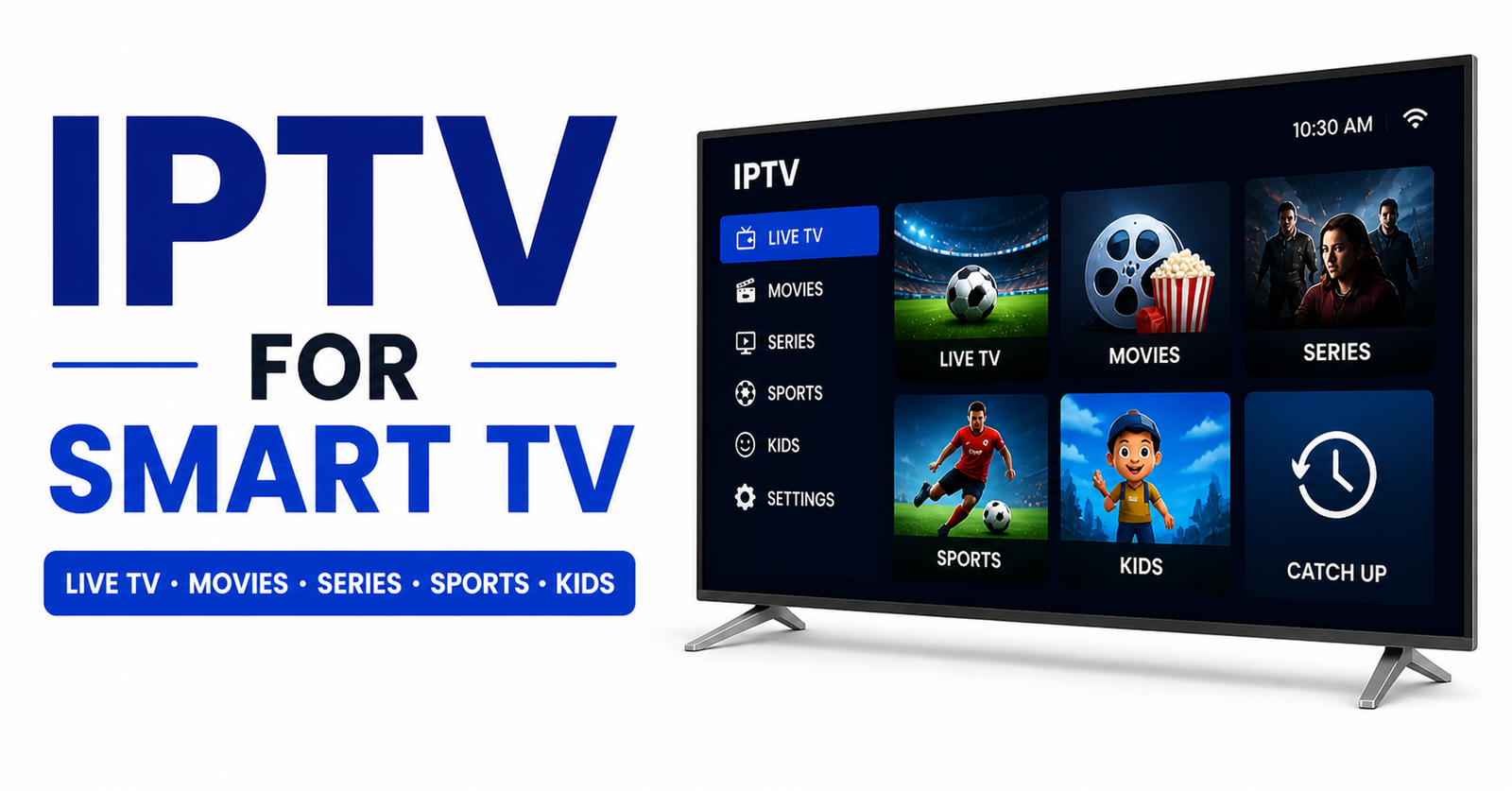
IPTV for Smart TV is the fastest-growing segment in the reseller space right now. Smart TVs ship with app stores. They’re easier to configure than Android boxes. Clients love them. But that simplicity at the frontend hides an extraordinary amount of technical complexity at the backend. And most UK IPTV resellers never look past the panel dashboard.
This guide is written for operators who want to understand what’s actually happening under the surface, from server load management to why your credits are disappearing faster than expected. Whether you’re handling ten subscriptions or ten thousand, the principles don’t change. The margin for error just gets smaller as you scale.
If you’ve already lost a server or eaten a chargeback because of downtime, you’re in the right place.
Why IPTV for Smart TV Demands More From Your Server Stack
Smart TVs aren’t forgiving devices. Unlike a mobile app that buffers quietly in the background, a TV screen in a living room makes every hiccup visible and embarrassing. When IPTV for Smart TV fails, it fails loudly.
The core issue is stream delivery architecture. Most entry-level UK IPTV reseller panels point to a single upstream server. That’s fine for fifty connections. It becomes a liability at two hundred, and a disaster during premium sports events when concurrent connections spike in a tight window.
What separates operators who retain clients from those who constantly churn includes redundant uplink servers, at least two active upstream feeds, not one primary with a backup that takes four minutes to kick in. Load balancing across regions matters too, since UK-based clients shouldn’t be routing through servers in Eastern Europe during peak hours. HLS latency monitoring is essential, since HTTP Live Streaming latency above 8 seconds starts generating support tickets, and above 12 seconds, you lose the client entirely. And adaptive bitrate configuration is essential for households where someone is gaming on Wi-Fi while another person watches 4K.
Pro Tip: The cheapest panels on the market share upstream server capacity across hundreds of resellers. During a major football final, you’re competing with every other reseller on that node for bandwidth. Buy from providers who can show you your dedicated upstream allocation, not just a dashboard with green lights.
The Smart TV App Problem Nobody Warns You About
Here’s something wholesalers won’t tell you upfront: not all IPTV for Smart TV apps behave the same way, and this directly affects your churn rate.
Samsung Smart TVs use the Tizen OS. LG runs webOS. Both have their own app ecosystems, and neither officially lists IPTV players in their stores. This means clients are sideloading apps, and sideloaded apps get inconsistent updates, break after firmware patches, and sometimes disappear entirely.
The most common client complaint cycle looks like this: it works fine for three weeks, the Smart TV auto-updates firmware, the IPTV app breaks or loses M3U playlist data, the client messages you assuming it’s a server issue, and you spend twenty minutes troubleshooting something that was never your fault.
Here’s how a stable setup compares to a problematic one:
| Factor | Stable setup | Problematic setup |
|---|---|---|
| App platform | Dedicated IPTV player with active dev | Abandoned or rarely updated app |
| Stream format | HLS with adaptive bitrate | RTMP only, fixed bitrate |
| EPG source | Separate EPG URL, updated daily | Bundled EPG, often stale |
| Reconnect logic | Automatic on drop | Manual refresh required |
| Firmware response | App updates within 2 weeks | No response for months |
Educating clients on which apps to use, and giving them a written backup process, is one of the simplest ways to cut your support load in half.
DNS Poisoning Is Not a Theory. It’s Happening to Your Clients Right Now.
In 2026, ISP-level enforcement has evolved far beyond simple port blocking. DNS poisoning, where ISPs corrupt the DNS resolution for streaming domains, is now a documented tactic used across several major UK and European internet providers.
What this means practically is that a client opens their IPTV for Smart TV app, enters a working server URL, and gets a connection error. Nothing on your end has changed. The server is live. Other clients on different ISPs are streaming fine. But this specific household, on this specific broadband package, can’t connect.
The fix isn’t complicated, but resellers who don’t know about DNS poisoning will spend hours checking the wrong things.
Instruct affected clients to switch DNS to 1.1.1.1 (Cloudflare) or 8.8.8.8 (Google) in their router settings. Smart TVs often allow manual DNS input in the network configuration menu, which solves the issue without touching the router. And consider including a DNS troubleshooting step in every onboarding message you send, since it prevents the majority of “suddenly stopped working” tickets.
Pro Tip: Build a simple one-page PDF troubleshooting guide for new clients. Include DNS switching as step one. You’ll cut your inbound support messages by 30 to 40% within the first month. Clients who can self-serve minor issues stay longer and refer more people.
Panel Credits, Hidden Costs, and Where Reseller Margins Actually Go
Let’s talk about something most guides skip entirely: the economics of running IPTV for Smart TV subscriptions at volume, and why so many resellers make less than they expected.
Panel credit systems look simple. Buy credits, sell subscriptions, keep the difference. In practice, the cost structure is more complex.
Margin gets compressed in several places. Trial abuse eats into it, free trials that never convert but consume server capacity and your time. Chargebacks hurt too, a single PayPal or card dispute wipes out the profit from four or five sales. Downtime refund requests add up, since if your upstream goes down during a high-profile event, clients want compensation regardless of whose fault it is. And multi-screen households erode margin as well, clients who buy one connection and run it across three Smart TVs simultaneously, degrading stream quality for everyone on that node.
Experienced operators build their pricing with these variables factored in. If your margin doesn’t absorb a 15% chargeback rate and one major downtime event per quarter, your pricing model has a structural flaw, not just a bad month.
How ISP Blocking Has Changed IPTV for Smart TV in 2026
Twelve months ago, the enforcement model was reactive: a stream got flagged, a domain got blocked, resellers moved to a new URL. That cycle still happens, but it’s no longer the primary threat vector.
The shift is toward AI-driven traffic pattern analysis. ISPs and content enforcement bodies now use machine learning to identify IPTV for Smart TV traffic based on packet signature, not just destination IP. This means traffic can be throttled or disrupted even when the domain itself isn’t blocked.
The practical implications for resellers include clients on consumer broadband packages increasingly experiencing selective throttling during peak hours, where streams that work at 11am degrade at 8pm. VPN recommendation is becoming standard practice for clients in high-enforcement regions, though this introduces its own latency considerations. And providers using dedicated server infrastructure with regular IP rotation are holding up better than those on shared hosting.
This is not a scare story. IPTV for Smart TV continues to operate at scale globally. But operators who pretend 2026 is the same as 2022 are running blind.
Pro Tip: If a significant portion of your client base is in a specific region and all reporting similar issues simultaneously, the problem is almost certainly ISP-level. Create a private Telegram group for clients where you can post status updates instantly, this single step prevents dozens of individual panic messages during any enforcement wave.
Scaling IPTV for Smart TV: When Your Panel Setup Stops Working
There’s a ceiling in the reseller model that nobody talks about openly. You can manage fifty clients on a basic panel with a spreadsheet and WhatsApp. At two hundred clients, that approach collapses.
The scaling problems that hit resellers between 100 and 500 active connections are predictable and preventable. Manual renewal tracking leads to expired connections clients discover mid-stream. There’s often no centralised view of which clients are experiencing issues vs which aren’t logging in. It becomes difficult to identify which streams are generating the most support load. And with no automated onboarding, every new client requires manual setup time.
Moving to a managed panel with proper API access, automated renewal notifications, and connection monitoring isn’t a luxury at that scale, it’s the only way to maintain service quality without burning out.
IPTV for Smart TV clients specifically tend to be less technically confident than Android box users. They need clearer communication, simpler troubleshooting steps, and faster responses. That support expectation rises as your client base grows, and without systems to support it, quality drops and churn accelerates.
The Onboarding Experience Determines 90-Day Retention
This is arguably the most undervalued variable in the entire UK IPTV reseller business. What you send a client in the first 48 hours after purchase determines whether they stay for a month or a year.
IPTV for Smart TV setup is genuinely confusing for non-technical users. Samsung menus change between firmware versions. LG’s network settings are buried three layers deep. Some Smart TV models have restrictions on which DNS servers they’ll accept. None of this is your fault, but all of it becomes your problem if you don’t address it proactively.
A strong onboarding sequence includes a step-by-step setup guide specific to the most common Smart TV brands your clients use, a video walkthrough or link to a trusted tutorial (hosted on your own domain, not a third-party YouTube account that might get removed), DNS troubleshooting steps pre-emptively included rather than reactively sent, a clear statement of what your support covers and what it doesn’t, and a renewal reminder sent 7 days before expiry, not on the day it expires.
The resellers with the highest lifetime client value aren’t the ones with the cheapest prices. They’re the ones who make every client feel like they bought from a professional operation.
Frequently Asked Questions
What is IPTV for Smart TV and how does it work?
IPTV for Smart TV delivers television channels and on-demand content over an internet connection rather than satellite or cable. Your Smart TV connects to a streaming server using an M3U playlist or Xtream Codes login via a compatible app. The server sends video data in real time, typically using HLS or RTMP protocols, which the app decodes and displays on screen.
Why does IPTV for Smart TV buffer even with fast broadband?
Fast broadband speeds don’t guarantee smooth IPTV for Smart TV performance. Buffering is usually caused by server-side congestion, routing inefficiencies, or ISP traffic throttling, not your connection speed. A line running 100Mbps can still buffer if the upstream IPTV server is overloaded or if your ISP is deprioritising streaming traffic on their network.
Which Smart TV brands work best with IPTV?
Most modern Samsung, LG, Sony, and Hisense Smart TVs support IPTV for Smart TV through sideloaded apps. Samsung Tizen and LG webOS have the widest app compatibility. Sony TVs running Google TV have access to the Play Store, which makes finding IPTV players more straightforward. Older models with limited app stores may require workarounds.
Can I run IPTV for Smart TV on multiple screens in my house?
That depends entirely on the subscription type you purchase. Single-connection plans will degrade or disconnect if used on more than one device simultaneously. Multi-screen or household plans are specifically designed to handle concurrent streams. Always confirm connection limits before purchase and match the plan to the number of screens in the household.
What should I do if IPTV for Smart TV suddenly stops working?
Start with DNS. Change your Smart TV or router DNS to 1.1.1.1 or 8.8.8.8 and retry. If that doesn’t resolve it, check whether the server URL or M3U link has changed, your reseller should send updates when this happens. Confirm the issue isn’t device-specific by testing on a phone or laptop using the same credentials.
Is IPTV for Smart TV legal in the UK?
The legality depends entirely on the source of the streams. Licensed IPTV services are fully legal. Unlicensed services carrying broadcast content without authorisation operate in a legally grey or outright illegal territory depending on jurisdiction. Subscribers and resellers should understand the legal landscape in their country before purchasing or distributing subscriptions.
As a reseller, how do I handle client downtime complaints professionally?
Set expectations upfront. Include an SLA in your onboarding, something like “99% uptime target with compensation for extended outages.” Create a Telegram or WhatsApp broadcast group so you can push status updates during incidents before individual messages pile up. Proactive communication during downtime retains more clients than reactive apologies after it.
How many panel credits should I buy when starting as an IPTV reseller?
Start conservatively, enough credits for 15 to 20 active connections while you validate your upstream provider’s reliability. Don’t over-invest before you’ve experienced the provider through at least one high-demand event period. Credits don’t expire immediately on most panels, so buying small initially protects your capital while you test quality firsthand.
Reseller Success Checklist: IPTV for Smart TV Operations
Execute these in order. No exceptions.
- Verify your upstream provider has at least two active server locations before selling a single connection
- Test IPTV for Smart TV performance personally on a Samsung and an LG device before onboarding clients
- Build a one-page setup guide tailored to the Smart TV brands your target clients actually own
- Include DNS switching instructions (1.1.1.1 / 8.8.8.8) in every onboarding message as standard
- Create a Telegram broadcast channel for service status updates, set it up before you need it
- Set renewal reminder automations at 7-day and 1-day intervals
- Review your pricing to confirm it absorbs a 15% chargeback rate without going negative
- Monitor HLS latency weekly, set an alert if average latency exceeds 6 seconds
- Test your backup upstream server monthly, not just check it exists, actually stream through it
- Document every downtime incident: duration, cause, client impact, resolution, patterns will emerge within 90 days
For verified panel access and upstream infrastructure built for Smart TV delivery across UK and European markets, operators have relied on British Seller’s IPTV reseller panel as a starting point for evaluating quality at volume.