Book Appointment Now
WhatsApp Business for IPTV Resellers: Setup Guide 2026
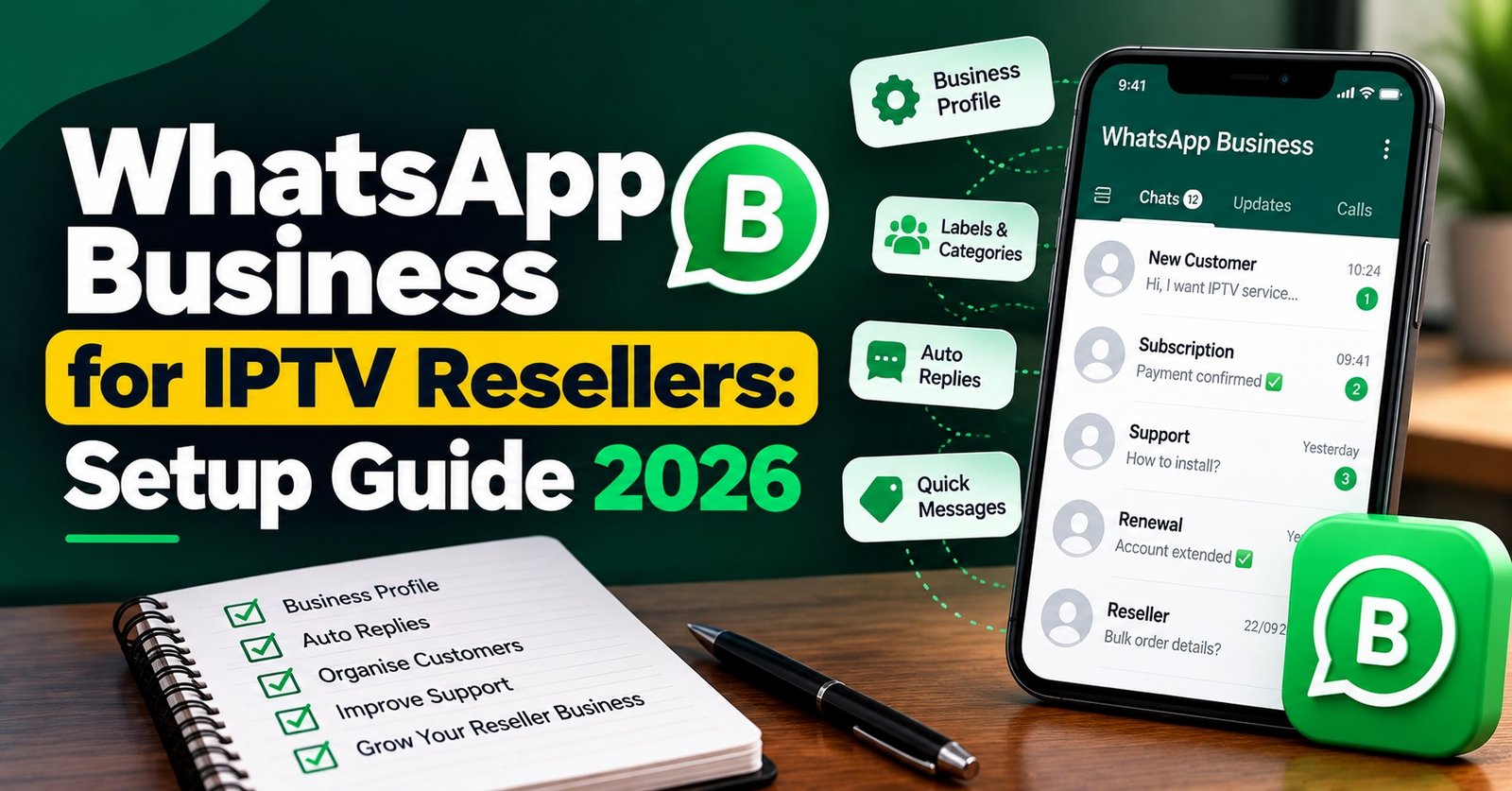
WhatsApp Business for IPTV Resellers works best as a support and customer management tool, not as a shop window. The free app gives you a business profile, a greeting message, an away message, saved quick replies and chat labels, which between them cover most of what a small reseller needs to handle enquiries, trials, setup questions and renewals. What it should not become is the place where you list subscription packages for sale, because Meta’s commerce rules treat subscriptions very differently from physical products.
So before spending an evening building a polished catalogue, set up the parts that actually take work off your plate: a profile that answers the obvious questions before anyone asks them, a library of saved replies for the messages you find yourself typing again and again, and a labelling system that shows at a glance who is waiting on a trial, who has paid and who is about to expire. Pricing, payment and account terms belong on your website and invoices. WhatsApp is the conversation that guides the customer there and keeps them once they arrive.
Start With the Catalogue Question, Because It Can Cost You the Number
Most WhatsApp setup guides tell you to build a catalogue first. For a IPTV panel reseller, that is the one feature worth treating with caution.
WhatsApp’s business policy says that if you use catalogues or any other commerce experience to sell goods or services that Meta’s Commerce Policy prohibits, WhatsApp may prohibit you from using some or all of WhatsApp for Business. That means the penalty is not limited to the catalogue being removed. The number your customers rely on for support can be affected too.
The relevant part of that policy is the section on digital and subscription services, including links to or processing of subscription sales, renewals, or upgrades. Monthly access plans and credit packs fall squarely into that description. The same policy separately prohibits the sale of devices that facilitate or encourage unauthorized streaming of digital content, so pre-loaded boxes are out as well.
The sensible reading is to leave subscription plans, credit bundles and device listings out of the catalogue entirely. Keep the commercial detail on your own site, where you control the wording, the terms and the payment flow, and use the chat to answer questions and point people to the right page. This also keeps your messaging honest about what you are: IPTV is a delivery technology, and whether any particular service is lawful depends on the rights and permissions held by the provider supplying the content, not on the app you use to talk to customers.
A Profile That Answers Before Anyone Types
The business profile is the first thing a new contact sees, and a well-filled profile quietly removes a surprising number of basic questions.
Use a business name that matches your website and your invoices exactly. A customer who sees one name on the chat and another on the payment page will hesitate, and that hesitation often turns into a “is this legit?” message you then have to answer.
In the description, say plainly what you handle: account activation, renewals, device setup help, and reseller credits if you sell to other resellers. Avoid promises you cannot keep. If you are not staffed around the clock, do not write “24/7 support”. Set your real business hours instead and let the away message cover the gap honestly.
Add your website and a contact email. The email matters more than it seems, because some customers and most sub-resellers prefer to send screenshots, invoices or longer explanations somewhere that is not a fast-scrolling chat.
Pro tip: Turn on two-step verification in the app settings before you publish the number anywhere. A hijacked reseller number can be used to message your entire customer list, and recovering trust after that is far harder than setting a PIN.
Greeting and Away Messages Do Different Jobs
These two automated messages are easy to confuse, and resellers often write them as near copies of each other.
The greeting message goes out when a customer messages your business for the first time, or after 14 days of conversation inactivity. That second trigger catches people out. An existing subscriber who has not needed you for a fortnight will receive it too, so a greeting written only for new leads (“Thanks for your interest in our plans!”) reads oddly to someone messaging because their app stopped working. Write it for both audiences: acknowledge the message, ask whether they are a new enquiry or an existing customer, and ask existing customers to include their username so you can check the account straight away.
Keep in mind that the app only allows one active greeting at a time and it cannot switch language or vary by time of day. If you serve customers in several languages, a short line inviting them to write in their preferred language is more practical than trying to fit three translations into one message.
The away message has a narrower job. It fires outside your set hours, and its only real purpose is to set expectations. Tell the customer when you will be back, and give them one or two things they can try in the meantime, such as restarting the device and the router. That small instruction resolves some issues before you even open the chat in the morning.
WhatsApp Business for IPTV Resellers: Building a Reply Library From Real Tickets
Quick replies are where the app starts saving real time. You save a message once, give it a shortcut, and typing “/” in the chat box brings up your saved list. The official limit is 50 stored quick replies, and they can include images and videos as well as text, which is useful for setup screenshots.
Fifty sounds generous until you start creating one for every device and every possible fault. A better approach is to build the library from the questions you actually receive. Scroll back through a few weeks of chats, note the messages that come up repeatedly, and write replies for those first.
| Message you keep getting | Shortcut | What the saved reply should do |
|---|---|---|
| “How do I set it up on my TV?” | /device | Ask which device first, rather than sending every set of instructions at once |
| “Has my account run out?” | /status | Ask for the username and confirm you will check the panel, without guessing |
| “It keeps buffering” | /buffer | Ask for the time, device and whether other channels behave the same |
| “The TV guide is empty” | /guide | Explain that guide data and streams are separate, then give the refresh steps |
| “How do I pay?” | /pay | Link to the official payment page and state the account name payments go to |
| “Can I try it first?” | /trial | Explain your trial terms in one short paragraph |
Notice that several of those replies ask a question rather than answer one. That is deliberate. A diagnostic reply that gathers the device, time and username in the first exchange saves two or three rounds of back and forth later.
Write each reply the way you would speak to a customer. Leave room to add their name at the start, avoid capital-letter warnings, and keep each one short enough to read on a phone without scrolling. If a reply needs more than a screen of text, it probably belongs on a help page on your website with the saved reply linking to it.
Pro tip: If more than one person answers chats, agree the shortcut names together and write them down. Customers never see the shortcuts, but a team where one person types /pay and another types /payment ends up maintaining duplicates that slowly drift apart.
Labels as a Pipeline, Not Decoration
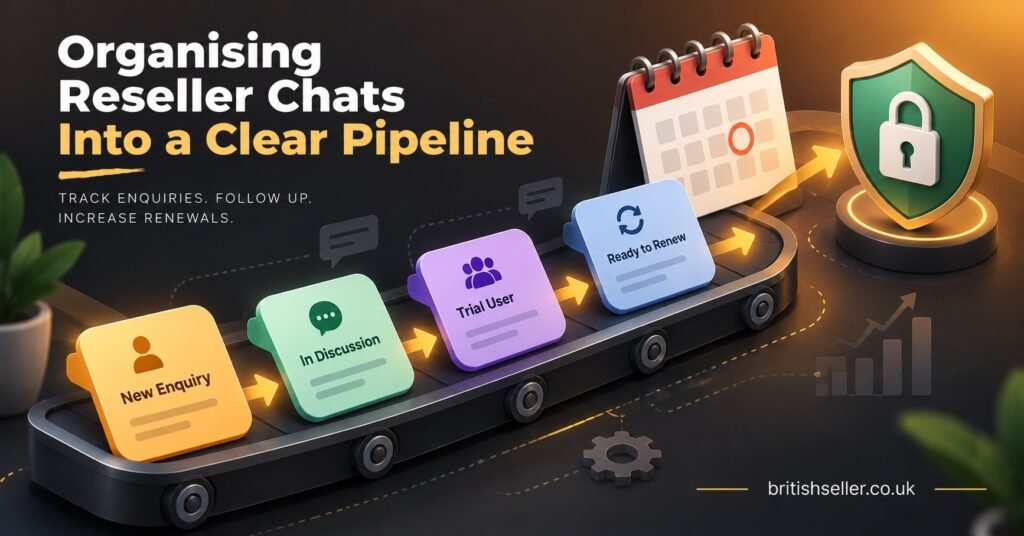
Labels let you tag each chat with a status, and for a reseller they can work as a lightweight customer pipeline. The limitation is that the app does not support automated label assignment, so every label is applied by hand. That makes it important to keep the set small enough that you actually use it.
A workable set for most IPTV panel resellers is something like New enquiry, Trial active, Awaiting payment, Active, Renewal due and Support open. Resist the urge to add a label for every device type or every country. Labels are for deciding what to do next, and information that does not change your next action is better kept in your reseller dashboard notes.
Why the Renewal Label Deserves the Most Attention
New enquiries tend to chase you. Renewals do not. A subscriber whose account quietly expires often assumes something has broken, tries another seller, and never tells you.
A simple weekly routine closes that gap. Check your reseller panel for accounts expiring over the coming week, apply the Renewal due label to those chats, and send each customer a short personal reminder with the renewal link. When they pay, move them back to Active. Because the label list is filterable, you can see in seconds who has been reminded and who has not replied.
Be careful with broadcast lists for this. Broadcasts only reach people who have saved your number in their contacts, so a portion of your list may never receive the message. More importantly, bulk promotional messages to people who did not ask for them are exactly what gets business numbers reported. The guidance from WhatsApp tools providers is consistent on this point: you can’t message someone who didn’t give you permission.
Keeping Support Chats From Swallowing the Day
WhatsApp makes you easy to reach, which is both its strength and its danger. Without a routine, support messages arrive all evening and you end up answering the same fault in twenty separate threads.
The most useful habit is a fixed triage order. Check account status in the reseller dashboard first, because an expired or suspended line explains a large share of “nothing works” messages and takes seconds to confirm. If the account is active, look at the app and device next. Only escalate to your upstream provider once you have ruled both out, and when you do, send the details in one clean message: username, device, player app, time of the issue and what the customer has already tried.
For app-level problems, it helps to have a written guide you can link rather than typing instructions each time. A walkthrough on fixing a player app that loads but will not play covers the cache, version and login issues that customers usually blame on the service itself. Empty programme guides are another frequent source of panic messages, and a page explaining why the EPG fails to load while streams still work can calm a worried subscriber faster than a long chat explanation.
Ask customers for screenshots or short text descriptions rather than voice notes where you can. Voice notes are slow to review, impossible to search later, and awkward to forward upstream.
When a wider outage happens, resist answering each message individually from scratch. Save a temporary quick reply that acknowledges the issue, says you are aware and gives a realistic update time, then delete it once the problem is resolved so it does not get sent by mistake weeks later.
Trust, Payments and Privacy Inside the Chat
Resellers handle login details and payment conversations over WhatsApp every day, and a few rules protect both you and the customer.
Send credentials one to one, never in a group. Customer groups can expose members’ phone numbers to each other, and a group where login details have ever been shared is a group where they can be copied and passed around. If you want to share service updates with many people at once, a broadcast list or a status update keeps recipients separate.
Never ask a customer to pay into a personal account, and tell them explicitly that you never will. Put the official account name in your /pay reply so customers can check it before sending money. Impersonators who copy a seller’s profile picture and business name are a real problem across the industry, and a clear, repeated statement of how you take payment is the simplest defence. If you are buying credits yourself, the same principle applies upstream; British Seller’s reseller credit packages and payment terms set out which methods are accepted and which account payments should go to.
Some customers will ask whether the service is legitimate. Answer that honestly rather than with reassurance you cannot back up. A guide to how to check whether an IPTV provider is operating legitimately gives them a way to assess it themselves, which builds more trust than a confident claim in a chat bubble.
When the Free App Stops Being Enough
The free app suits a single operator or a very small team. The first ceiling most IPTV resellers hit is access: one primary and four linked devices can be used with a WhatsApp Business app account. That is fine for a founder plus one or two support staff, but it becomes tight once you have shift cover or several sub-resellers wanting visibility.
The second ceiling is volume. Manual labels and quick replies work adequately at low volumes, but reviewers of the app note it becomes unmanageable once message counts grow into the hundreds per day.
The next step is the WhatsApp Business Platform, accessed through an approved solution provider. That route adds shared team inboxes, CRM integration and proper automation, but it changes the cost model. You pay the provider’s subscription plus per-message charges, where pricing is tied to the template category (Marketing, Utility, Authentication, Service) and the recipient’s country. It also brings stricter rules, and if you are considering an AI assistant on the channel, note that under Meta’s current approach AI agents must operate within clearly defined use cases, not open-ended chat.
Before upgrading, ask whether the pressure is really a WhatsApp problem. Often the underlying issue is a lack of written help pages, an unclear renewal process or an unreliable upstream service generating avoidable tickets. Fixing those can cut chat volume more than any paid tool.
Before You Go Live
- Business name on the profile matches your website and invoices exactly
- Description lists what you handle and your real opening hours, with no round-the-clock promise you cannot staff
- Subscription plans, credit packs and devices are kept out of the catalogue
- Greeting message works for both new enquiries and returning customers, and asks for a username
- Away message states when you will reply and gives one simple thing to try first
- Quick replies exist for your most common real questions, with shortcuts agreed across the team
- Labels are limited to statuses that change what you do next
- The /pay reply names the official account and states you never take payment to personal accounts
- Two-step verification is switched on
Frequently Asked Questions
Can I move my existing personal WhatsApp number to WhatsApp Business?
Yes. WhatsApp lets you move a number from the standard app to the Business app, and chat history can usually come across during the switch. The number can only be active on one of the two apps at a time, so many resellers prefer a separate number for the business from the start to keep personal and customer conversations apart.
Should my sub-resellers use their own WhatsApp Business numbers?
In most cases, yes. It makes clear who owns each customer relationship and who is responsible for first-line support. If a sub-reseller’s customers all message your number, you end up handling their support without the revenue, and customer ownership becomes difficult to untangle later.
Is it acceptable to send renewal reminders to all my customers at once?
It is safer to send them individually or to a small, opted-in broadcast list than to blast everyone. Reminders to existing customers about their own account are expected and welcome. Unsolicited promotional messages to people who never asked for them are what lead to reports and restrictions on a business number.
Do I need the paid WhatsApp Business Platform to run a reseller business?
Not at the start. The free app handles profile, automated greetings, quick replies and labels, which is enough for most solo operators and small teams. The platform starts to make sense when you need several agents on one number at the same time, integration with a CRM, or automated flows, and when your volume justifies per-message costs.
Putting It Together
WhatsApp Business for IPTV Resellers pays off when you treat it as the support desk and relationship tool it is good at being, rather than a storefront. Keep subscriptions and credit packs off the catalogue to protect the number itself, write a greeting that works for returning customers as well as new ones, build quick replies from the questions you genuinely receive, and use a small set of labels to make sure renewals never slip past unnoticed. The free app will carry a small operation a long way, and when it starts to strain, look at whether better help pages and a steadier upstream service would reduce the load before paying for the platform.
If you would like to talk through reseller credits or panel setup with a person rather than a page, you can message the British IPTV Panel Reseller team directly on WhatsApp.